Videojet 6210 Operator Manual
3-6 Stopping the Printer
Rev AB
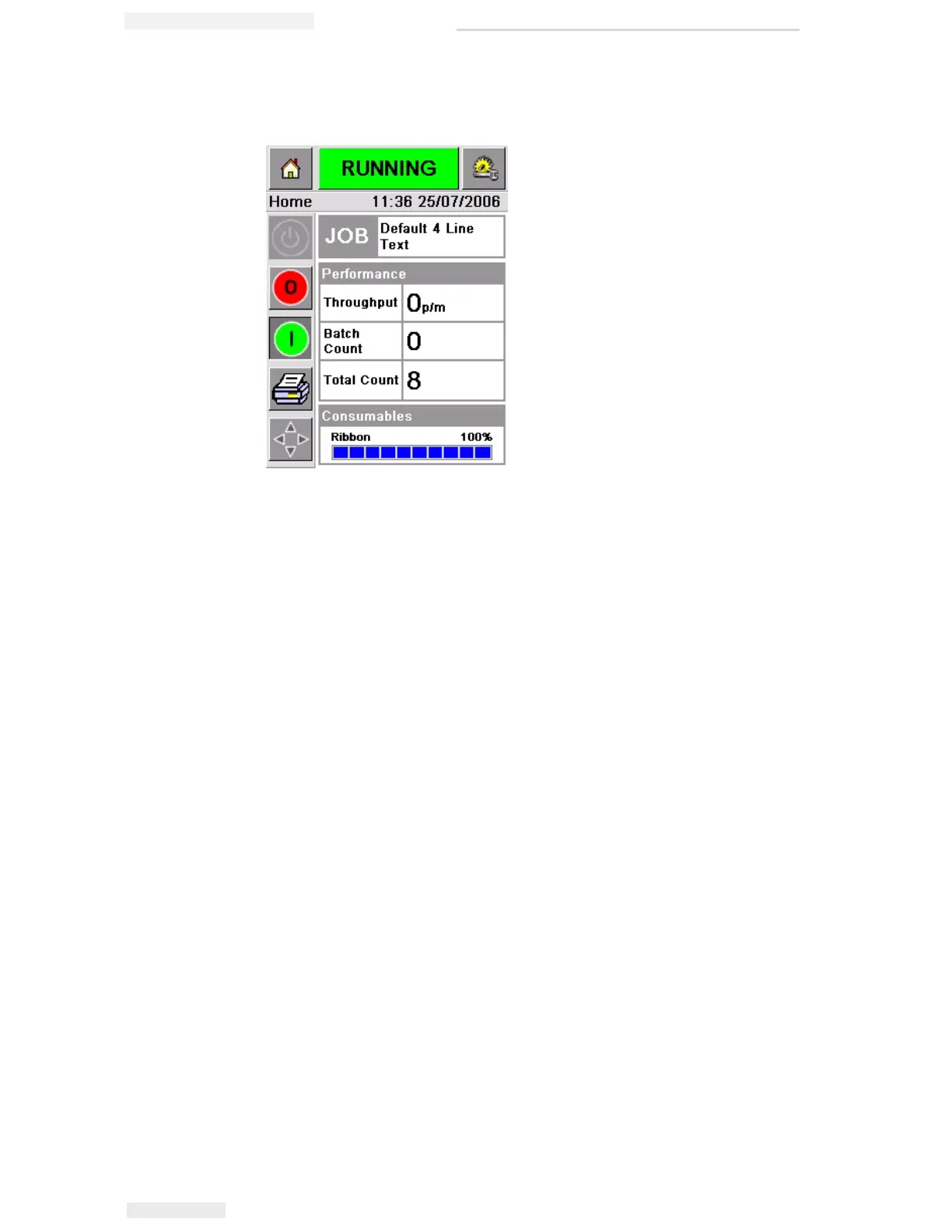
Figure 3-7 displays the CLARiTY home page with the printer in the
RUNNING state.
Note: If the printer has a fault or a warning, RUNNING will be replaced
with FAULT or WARNING. If FAULT is displayed, you must fix the
problem before trying to print. Refer “Clearing a Fault Message or Warning”
on page 5-2 for further information.
Stopping the Printer
To stop the printer from printing, touch the red Stop button (Figure 3-
6 on page 3-5). The printer returns to the OFFLINE state.
Setting the Time and Date
To set the time and date in the CLARiTY system, proceed as follows:
1 Touch the Tools button on the home page.
2 Touch the Setup button on the tools page.
3 Touch the Control button.
4 Touch and select Date and Time from the list.
5 Touch Date to set the Date, and the calendar page will appear, as
shown in Figure 3-8 on page 3-7.
Figure 3-7: CLARiTY Home Page in the Running State



 To Next Page