Videojet 6210 Operator Manual
3-2 Switching the Power On
Rev AB
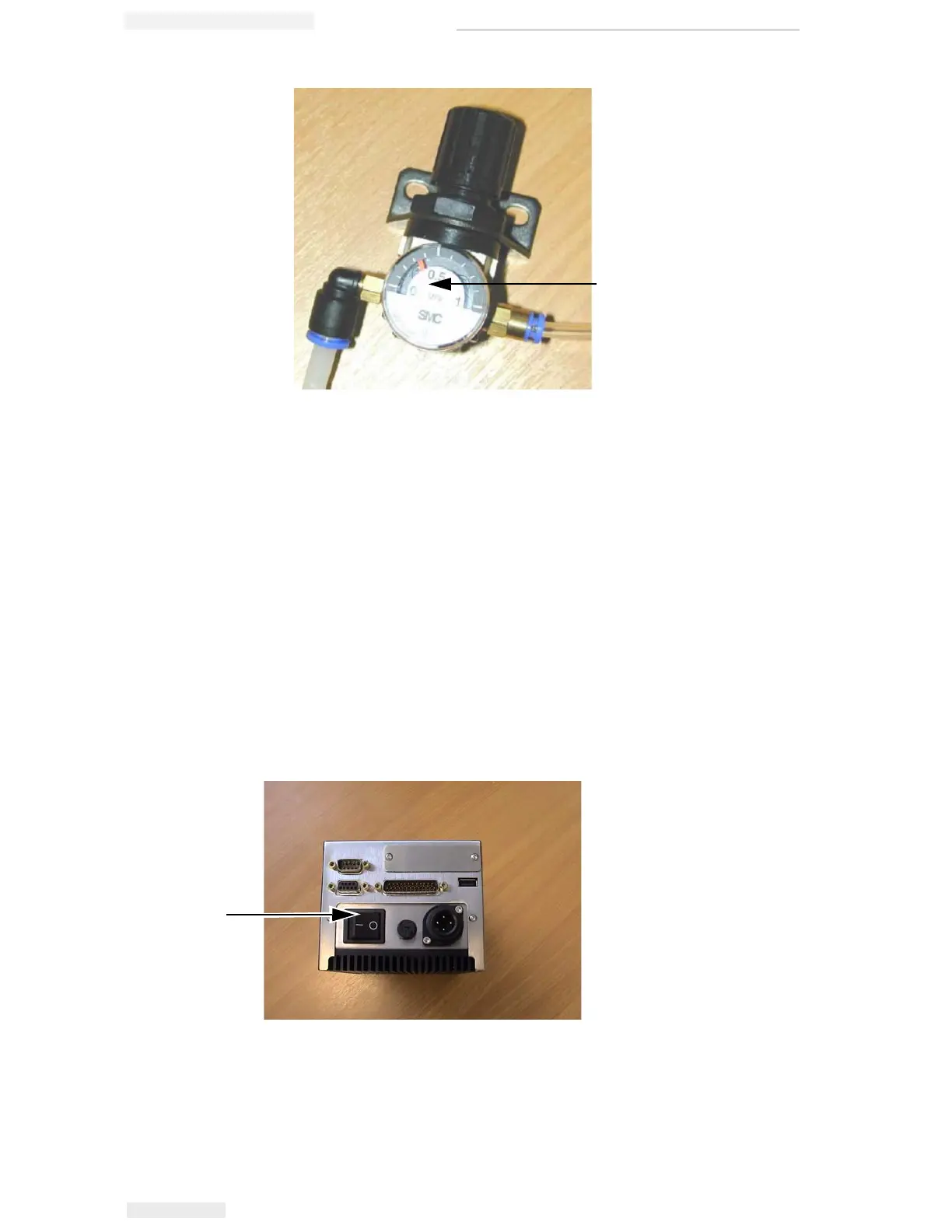
2 Read the air pressure displayed on the regulator. It should show a
value of 3 bar (43.5 Psi).
3 If the dial on the regulator does not display the correct value, lift the
air regulator control knob and turn it clockwise to increase the
pressure, or counterclockwise to decrease the pressure.
4 Push the control knob down to lock it in position.
Switching the Power On
To switch the printer on, turn the power switch on the CLARiTY
controller to the I (On) position (Figure 3-2).
Air Pressure Regulator
Figure 3-1: Air Pressure Regulator
Figure 3-2: Printer Power Switch
Power Switch



 To Next Page