Videojet 6210 Operator Manual
3-8 Setting the Language and Region Display
Rev AB
12 Touch the Home button to return to the home page.
Setting the Language and Region Display
To set the language displayed by CLARiTY, proceed as follows:
1 Touch the Tools button on the home page.
2 Touch the Setup button on the tools page.
3 Touch the Control button.
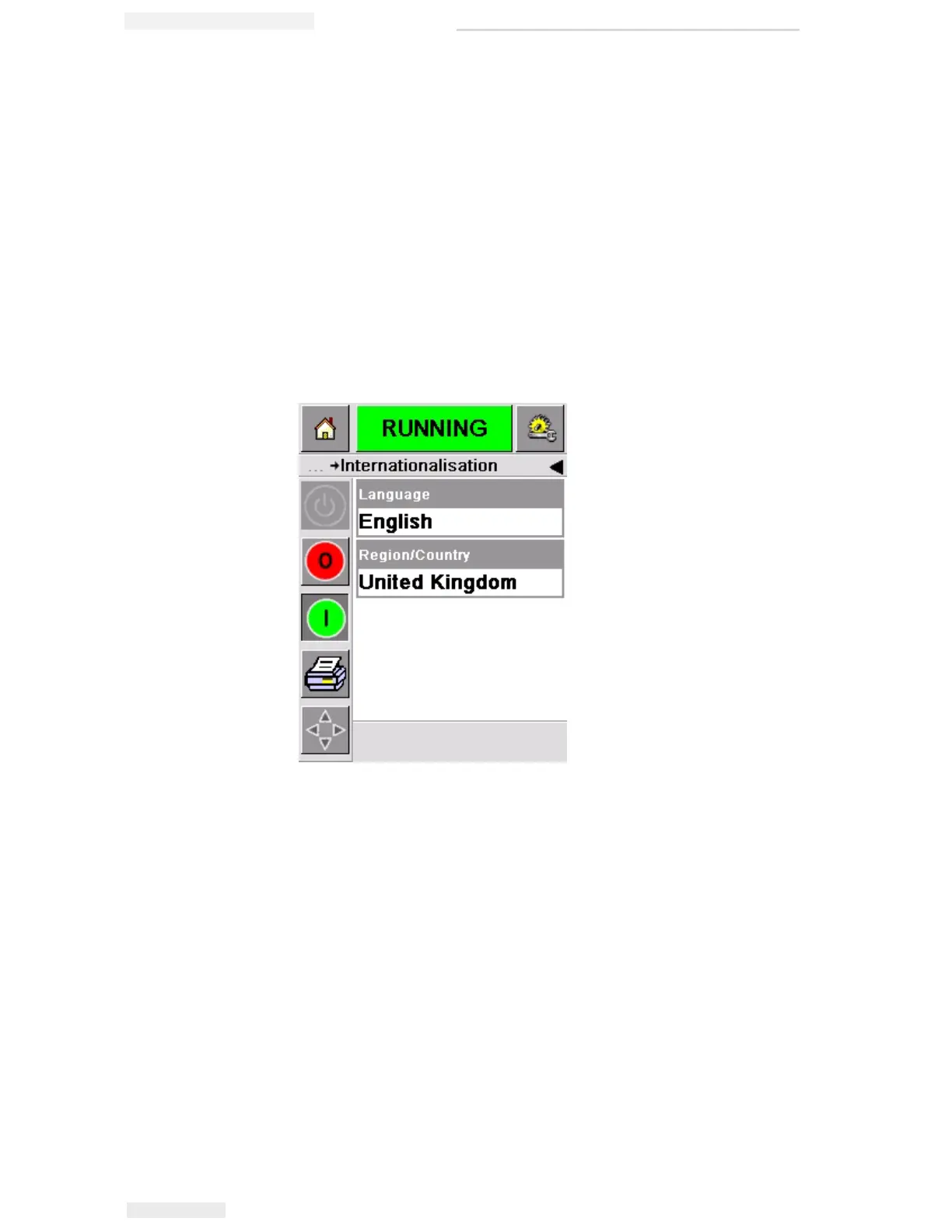
4 Touch and select Internationalization from the list. The current
language and region is displayed as shown in Figure 3-10.
Figure 3-10: Language and Region



 To Next Page