Videojet 6210 Operator Manual
4-10 Changing Variable Information
Rev AB
Changing Variable Date Information
To change the variable date information, proceed as follows:
1 Touch the required job variable to select it from the list of job
variables. The current information is shown in the data window
(Figure 4-11).
2 If the information in the data window is the information that you
want to print, go to step 6. If you want to change the information,
perform steps 3 to 6.
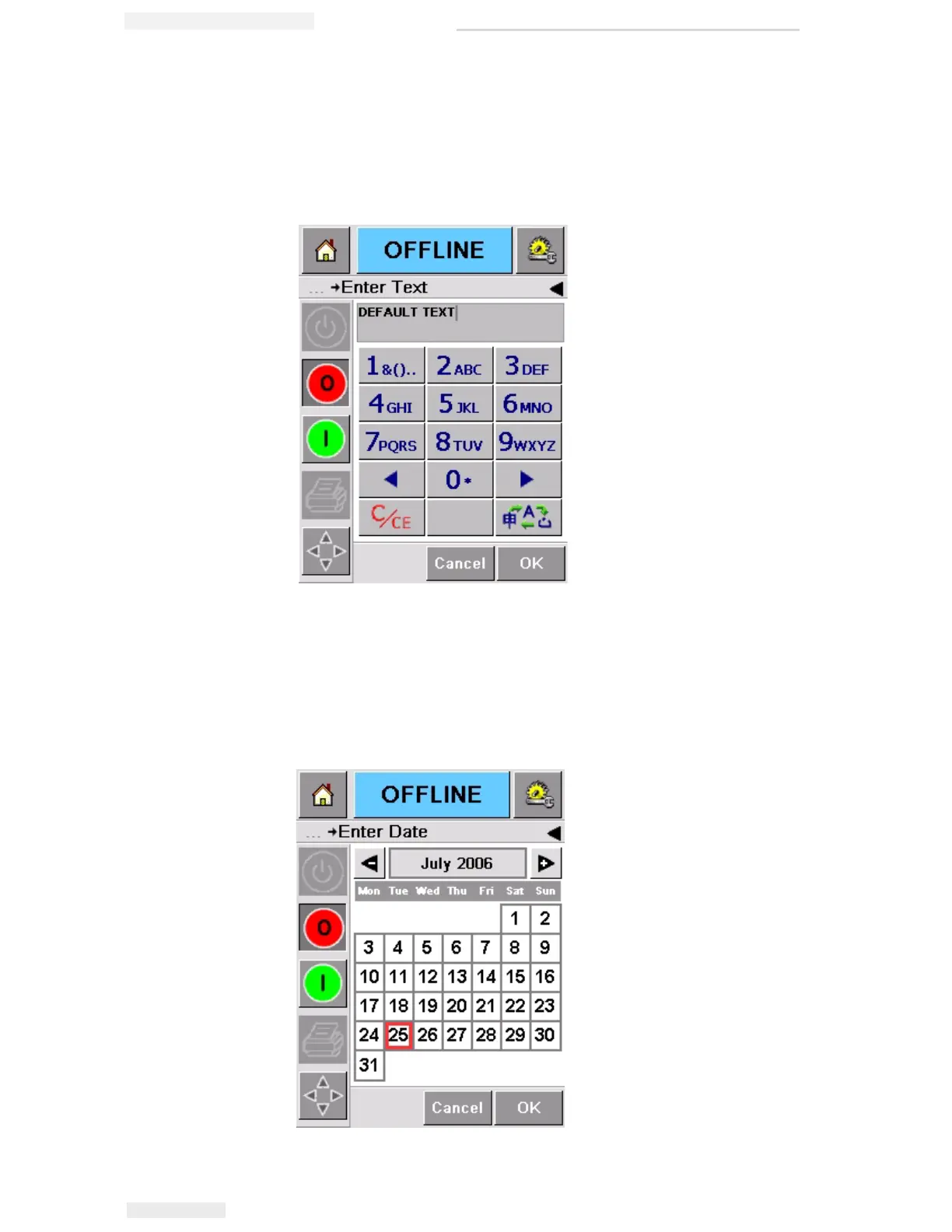
3 Touch the data window to display the Calendar page (Figure 4-
12).
Figure 4-11: Default Data Window
Figure 4-12: Calendar Page



 To Next Page