Videojet 6210 Operator Manual
Rev AB Printing a Test Image 3-9
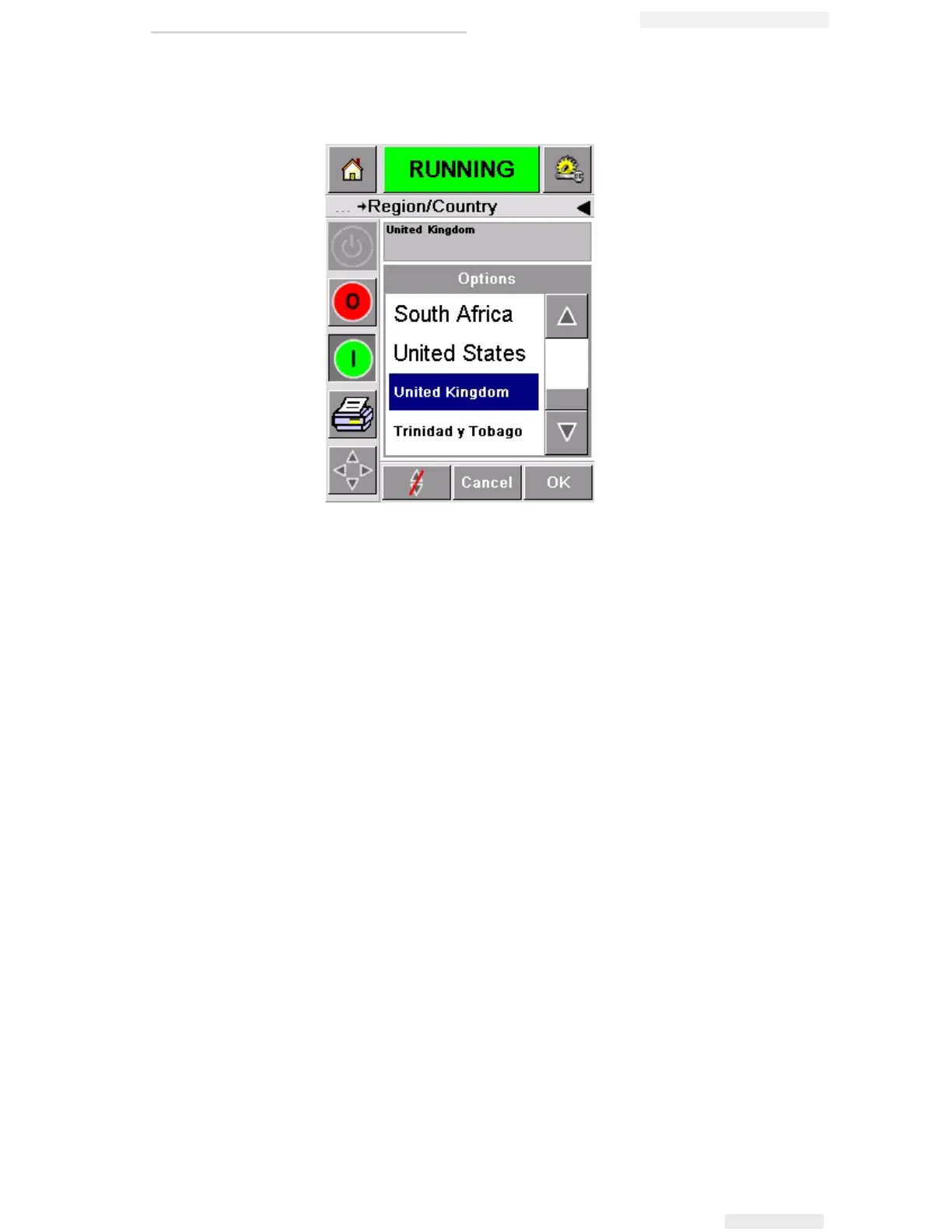
5 Touch the Region button. A list of available regions is displayed
(Figure 3-11).
6 Touch to select your region from the list (all the currently available
regions will be listed) and touch OK.
7 Touch the Language button. A list of available languages is
displayed
8 Touch to select your language from the list (all the currently
available languages will be listed) and touch OK.
9 Touch the Home button to return to the home page.
The date format displayed in the home page changes according to
the region selected.
Printing a Test Image
Typically, the Videojet 6210 printer is used on a packaging machine
where the print is triggered by a sensor or a Programmable Logic
Controller (PLC).
A test image can be printed before running the printer to check if the
printed image is of acceptable quality. The Test Print button (Figure 3-
12 on page 3-10), will appear greyed out if this feature has been
disabled by the installation engineer. Also, the printer must be set to
Figure 3-11: Region / Country List



 To Next Page