Videojet 6210 Operator Manual
3-10 Printing a Test Image
Rev AB
the RUNNING state for the Test Print button to be available.
To perform a test print, proceed as follows:
1 If the printer is in the OFFLINE state, press the Start button to put
the printer in the RUNNING state.
2 Ensure that the packaging film is placed under the printhead, if
the printer is in an intermittent application, otherwise ensure that
the packaging film is travelling past the printhead.
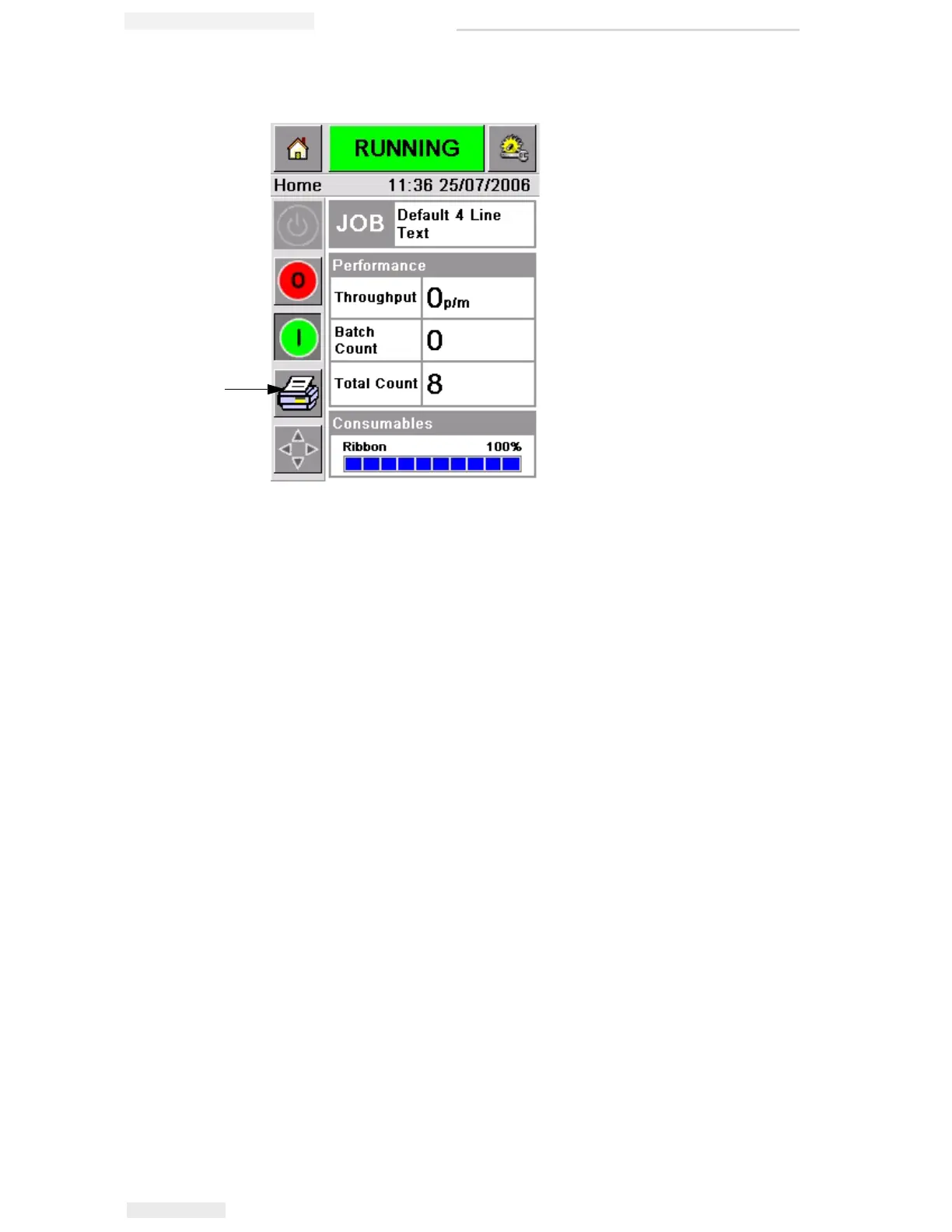
3 Touch the Test Print button in the CLARiTY's control frame
(Figure 3-12). The printer performs the test print.
4 Examine the test print to check if the image has been printed
correctly.
Figure 3-12: Test Print Button
Test Print
Button



 To Next Page