Videojet 6210 Operator Manual
Rev AB Creating and Adding New Jobs 2-7
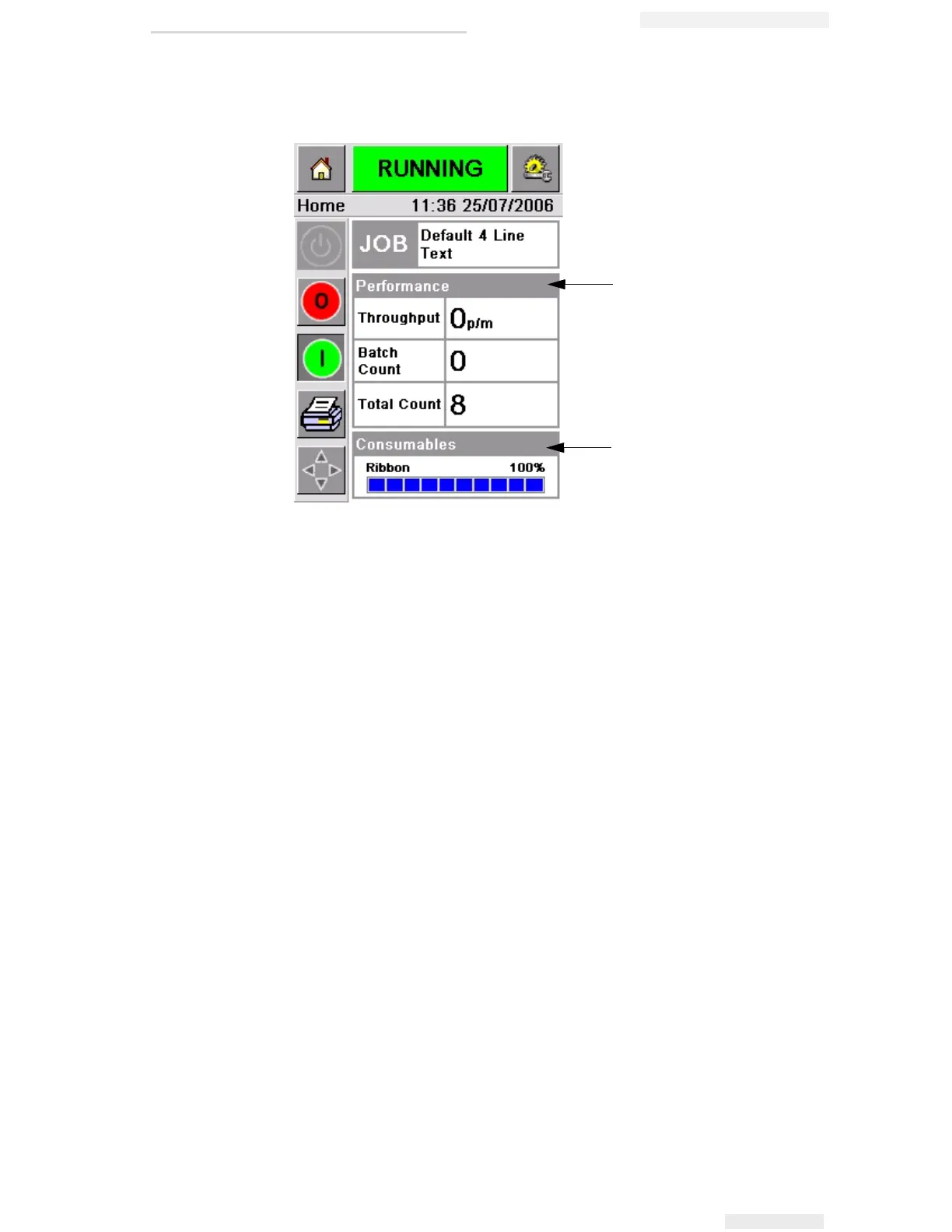
Touch each of these areas to go to the pages that contain further details
and statistics about production throughput and ribbon status.
Creating and Adding New Jobs
Print jobs are created offline using the CLARiSOFT™ image design
software that runs on a PC.
This is a What You See Is What You Get (WYSIWYG) package that
enables you to design the look and feel of a print image and define the
content of special fields such as complex sell by date calculations.
When the job has been designed using CLARiSOFT, it is saved with a
unique job name onto the PC's disc. Jobs are transferred into the
Videojet 6210 local database by connecting the PC to the printer using
an RS232 cable.
Alternatively, the Videojet 6210 printer has the ability to download a
'Job' database directly from a USB device. Jobs can now be created in
CLARiSOFT and saved onto a USB device, ready for directly
downloading into the printer. This removes the need to take a lap top
into the production area.
For information on how to create images, refer the online help
supplied with CLARiSOFT. For more information on how to transfer
images to the printer, refer the Videojet 6210 Service Manual.
Figure 2-4: Performance and Consumables Status Buttons
1. Production Performance Button
2. Consumables Status Button
1
2



 To Next Page