Videojet 6210 Operator Manual
2-6 About the CLARiTY Operating System
Rev AB
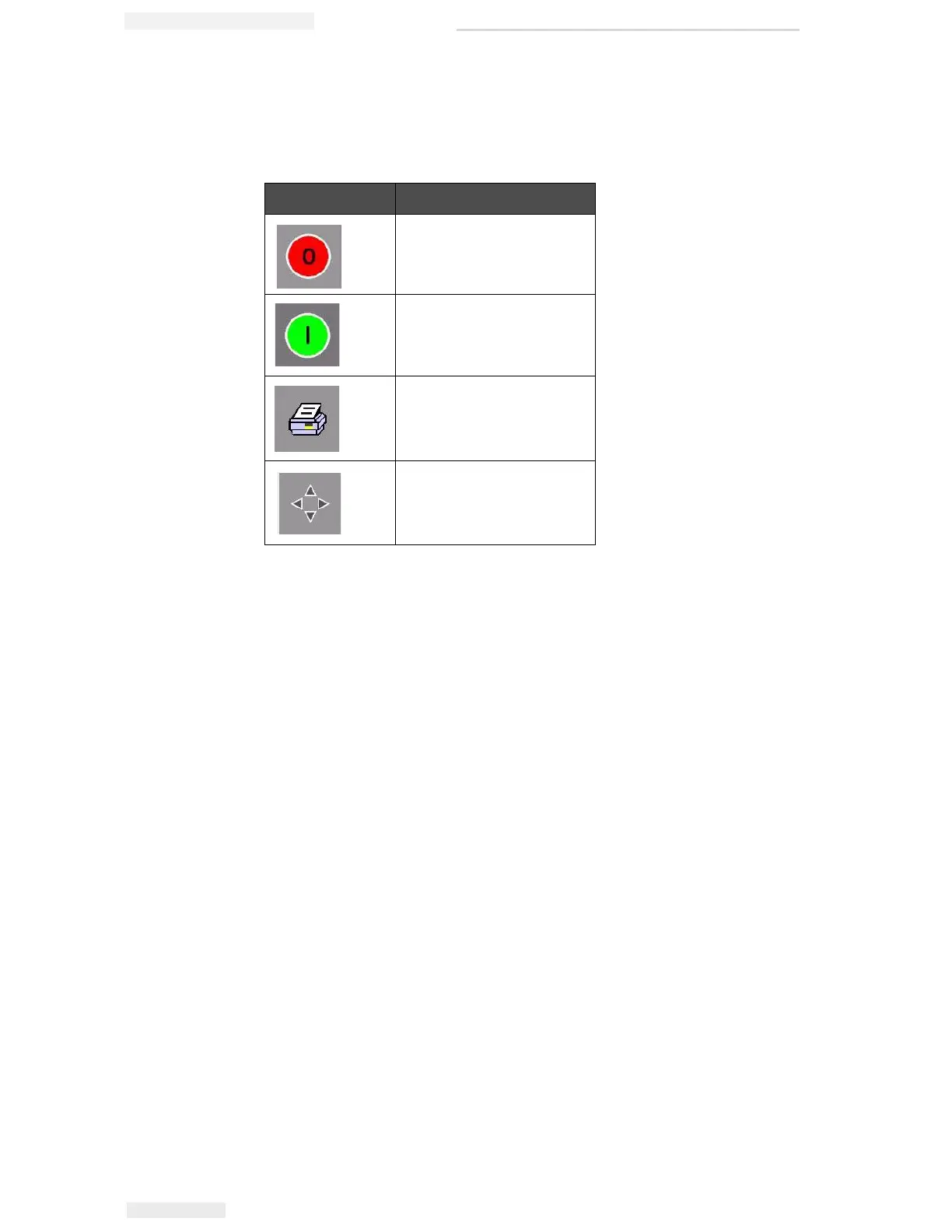
On the left side of the home screen display is the Control Frame
(Figure 2-2 on page 2-4). This contains buttons (Table 2-3) that stay
active as long as the printer is powered up. These buttons are used for
the immediate control of your printer.
The home screen contains two more buttons (Figure 2-4 on page 2-7):
• Production Performance button
• Consumables Status button
Button Description
Stop
Start
Test Print
Print Registration
Table 2-3: Control Frame Buttons



 To Next Page