Videojet 6210 Operator Manual
Rev AB About the CLARiTY Operating System 2-5
Table 2-2 shows the buttons used to select a new job or view the
current job selected.
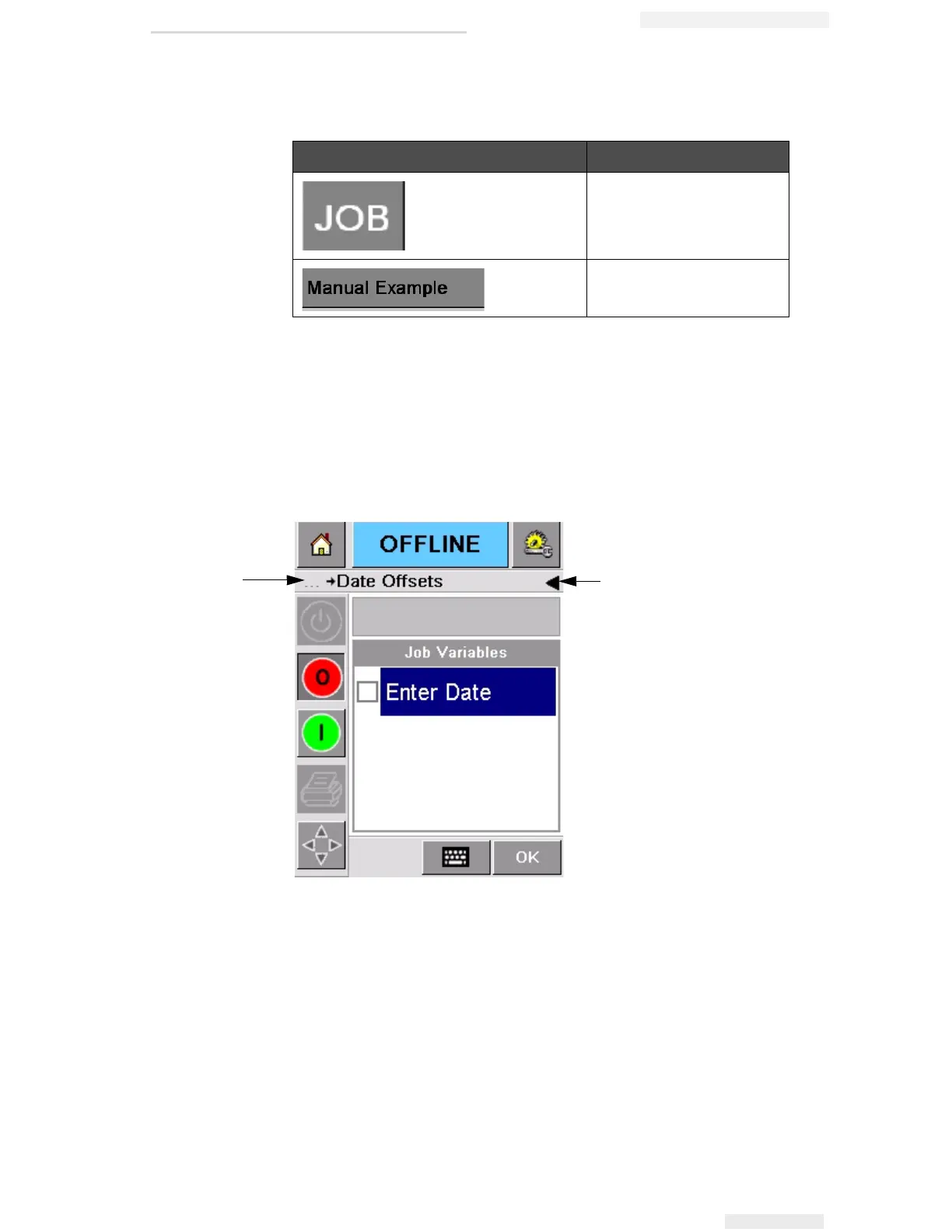
The navigation bar (Figure 2-3) indicates the location of the current
page in the menu tree. To use the navigation bar, do one of the
following:
• Touch the Back button to go back to the previous page.
• Touch any title on the navigation bar to go to that page directly.
Buttons Display
Job Page (to load the next
image or job to be printed,
and to enter any variable
data)
Current Job (shown as the
Current Job Name)
Table 2-2: Buttons for Viewing Jobs
Figure 2-3: Navigation Bar
2
1. Back Button
2. Navigation Bar
1



 To Next Page