Videojet 6210 Operator Manual
5-12 Viewing the Printer Performance Statistics
Rev AB
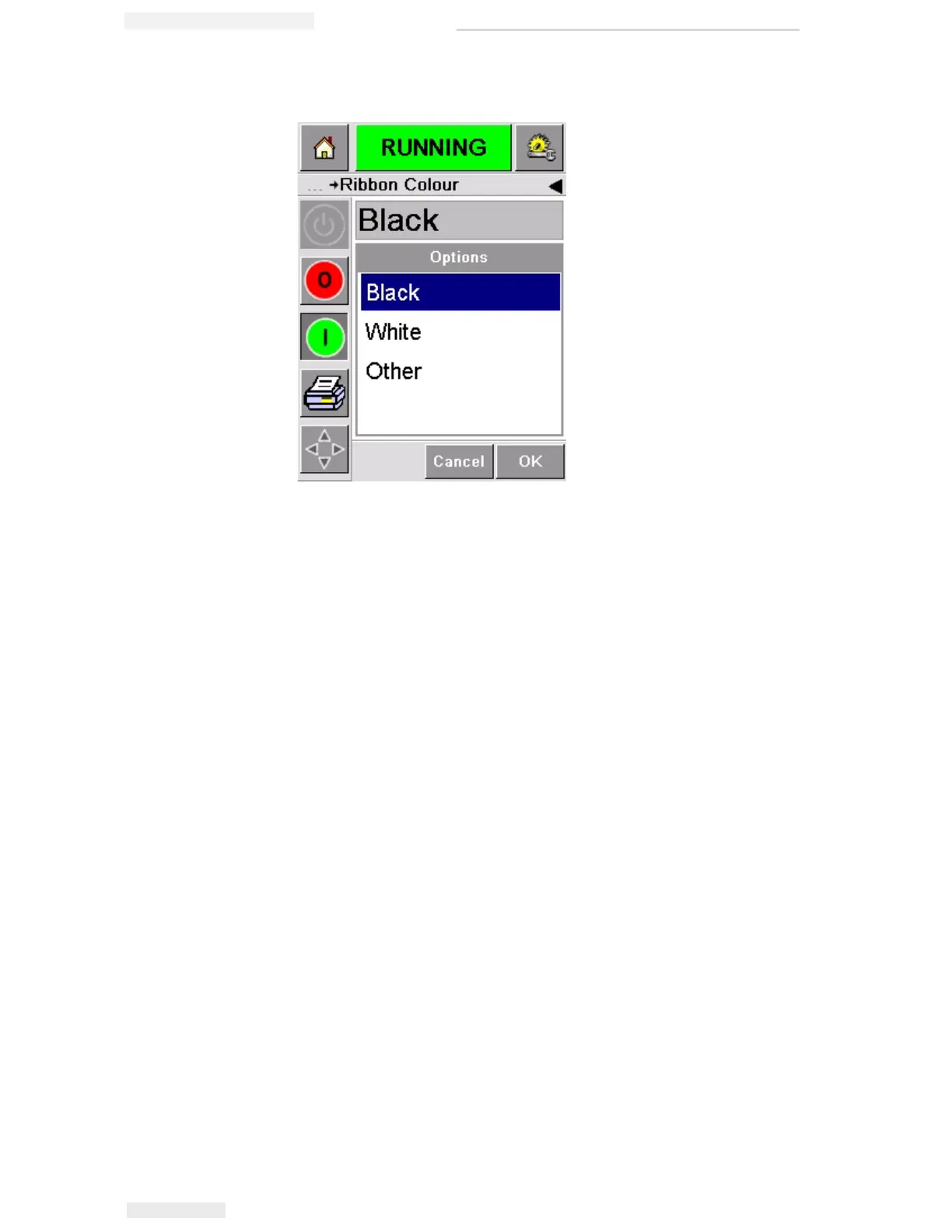
4 Touch the Ribbon color parameter and select the correct color
from the list.
5 Touch OK to save the settings.
6 Touch the Home button to return to the home page.
Viewing the Printer Performance Statistics
The following basic production performance details are shown on the
CLARiTY home page:
• Product Throughput— It signifies the packs coded per minute.
• Total Count— It signifies the total packs coded by the printer.
• Batch Count— It signifies the total packs coded on the current job.
This is reset to zero each time a new job is selected.
To view more information about performance statistics, touch the
Performance area on the home page.
Figure 5-15: Ribbon Color Setting



 To Next Page