© 2010 Viking Preferred Service
19
Diagnostics
Accessing the diagnostic program (cont.)
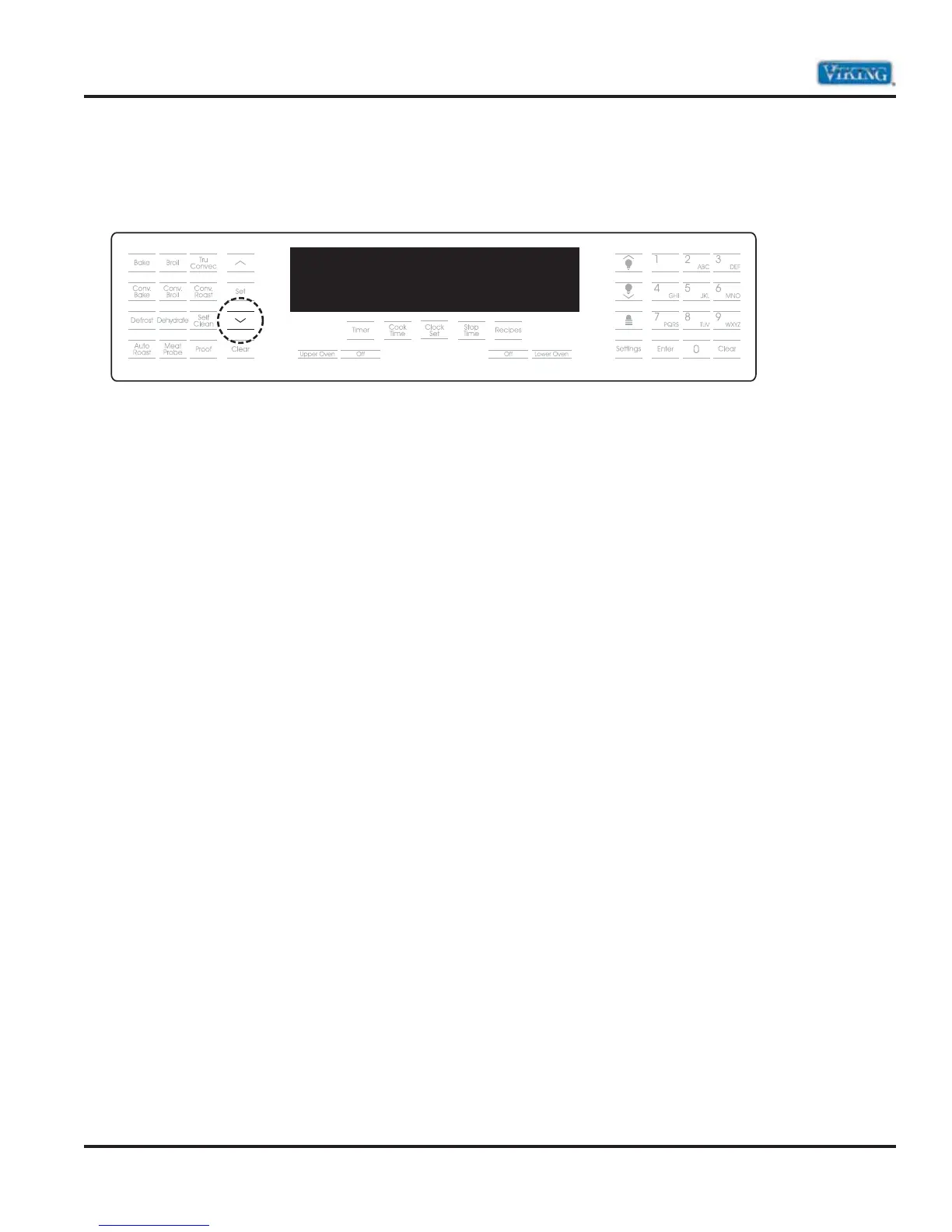
5. Now depress the “ENTER” pad. The word TESTS will begin to flash. While flashing, enter in the following
code: “8 – 4 – 5 – 4 – 6 – 4 (V-I-K-I-N-G)”. When you have successfully entered in the code, the display will
change and read RUN ALL TESTS. You are now in the diagnostic mode.
When you have entered the diagnostic mode, you will be able to run the following nine main
test programs:
1. Run all tests
2. Product Information
3. Individual display tests
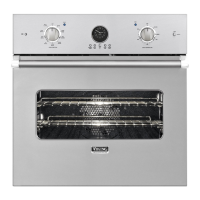
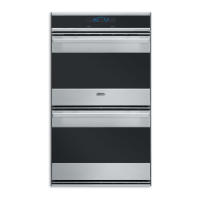
4. Individual upper oven tests (DDOE305T)
Individual oven tests (DSOE305T)
5. Individual lower oven tests (DDOE305T)
6. Individual keyboard tests
7. Run all upper oven tests (DDOE305T)
Run all oven tests (DSOE305T)
8. Run all lower oven tests (DDOE305T)
9. Run all keyboard tests
TFUUJOHT
SVOBMMUFTUT



 To Next Page