© 2010 Viking Preferred Service
24
Diagnostics
Service Diagnostics and Testing
3. Individual display tests
This test will allow testing of individual components. To enter this test, enter diagnostic mode (see
accessing the diagnostic section, page 18). With the unit in diagnostic mode, press the “DOWN ARROW”
pad to scroll to the individual display tests and press the “ENTER” Pad. When you have selected this test,
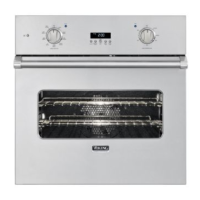
the first screen you will see will be the one shown below.
Below is a table consisting of all the individual components that can be tested in this program. To scroll
through each test, use the “UP ARROW” or “DOWN ARROW” pad, and then select “TEST” to run the
component test.
Step To test: Test Result To exit:
1 Press SET pad Display all dots and
segments
All digits in the display will light up Enter, Clear, or
Down arrow
2 Press SET pad Clear screen All digits in the display will extinguish Enter, Clear, or
Down arrow
To exit this test, select “ENTER”, “CLEAR”, or “down arrow” pad.
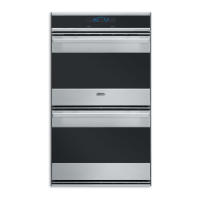
4. Individual upper oven tests (DDOE305T)
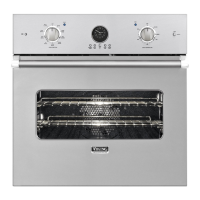
Individual oven tests (DSOE305T)
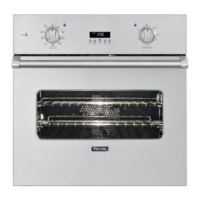
This test will allow testing of a specific component and then select it for testing. To enter this test, enter
diagnostic mode (see accessing the diagnostic section, page 18). With the unit in diagnostic mode, press
the “DOWN ARROW” pad to scroll to the individual upper oven test and press the “ENTER” Pad. When
you have selected this test, the first screen you will see will be the one shown below.
TFUUJOHTUFTUT
JOEJWJEVBMUFTUT
TFUUJOHTUFTUT
JOEJWJEVBMVQQFSPWFOUFTUT



 To Next Page