Disassembly
46 ©2009 Viking Preferred Service
To avoid risk of electrical shock, personal injury, or death, disconnect electrical power source to unit, unless test
procedures require power to be connected. Discharge capacitor through a resistor before attempting to service.
Ensure all ground wires are connected before certifying unit as repaired and/or operational.
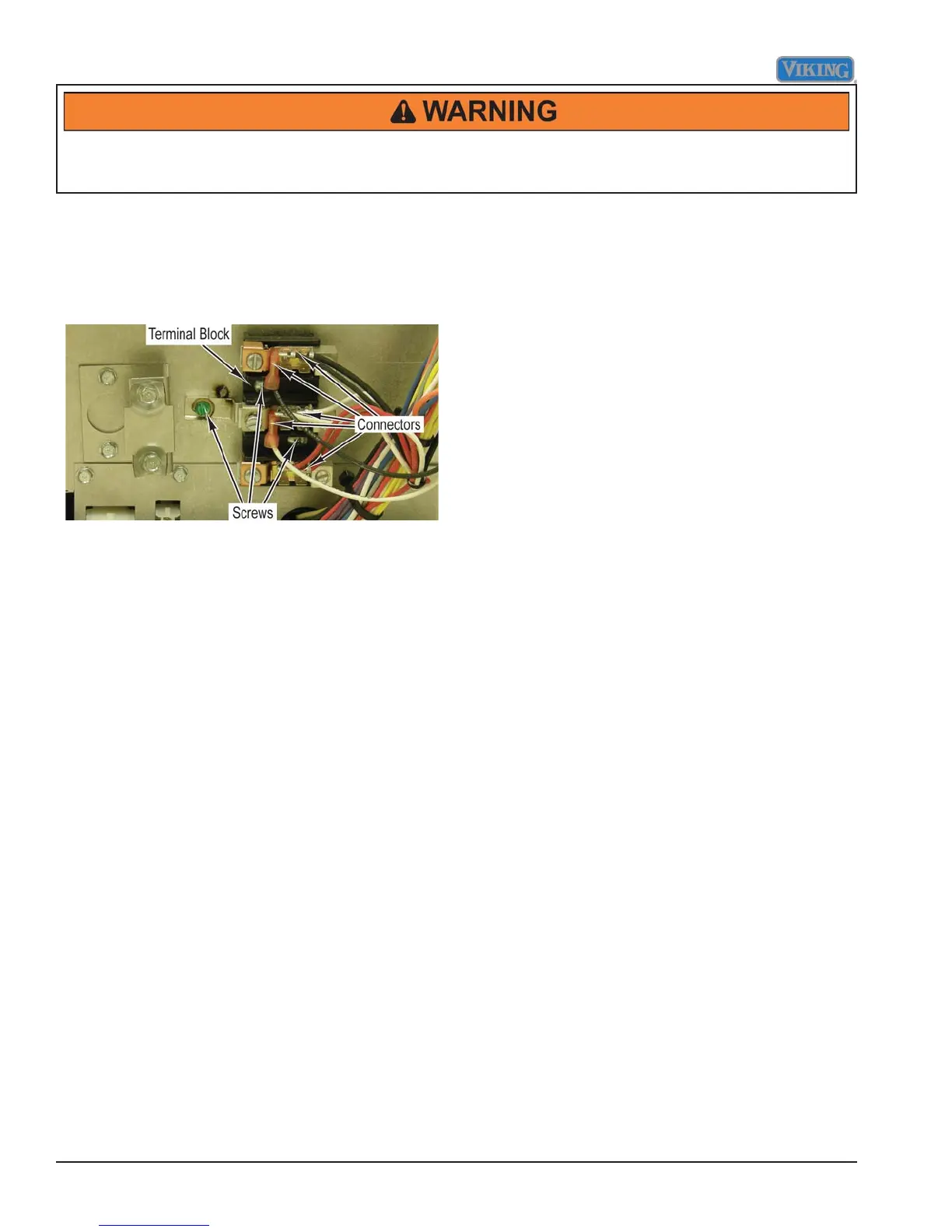
Terminal Block Removal
Condition Requirements:
Back Panel Removed
1. Mark and disconnect all connectors from terminal
block.
2. Remove three screws and terminal block from range.
3. Reverse procedure for installation.



 To Next Page