Dash Cam Recording Operation
Upon the first activation of the dashcam, please perform
the initial setup by setting the language, time zone and
speed unit.
Initial Setup
18
19
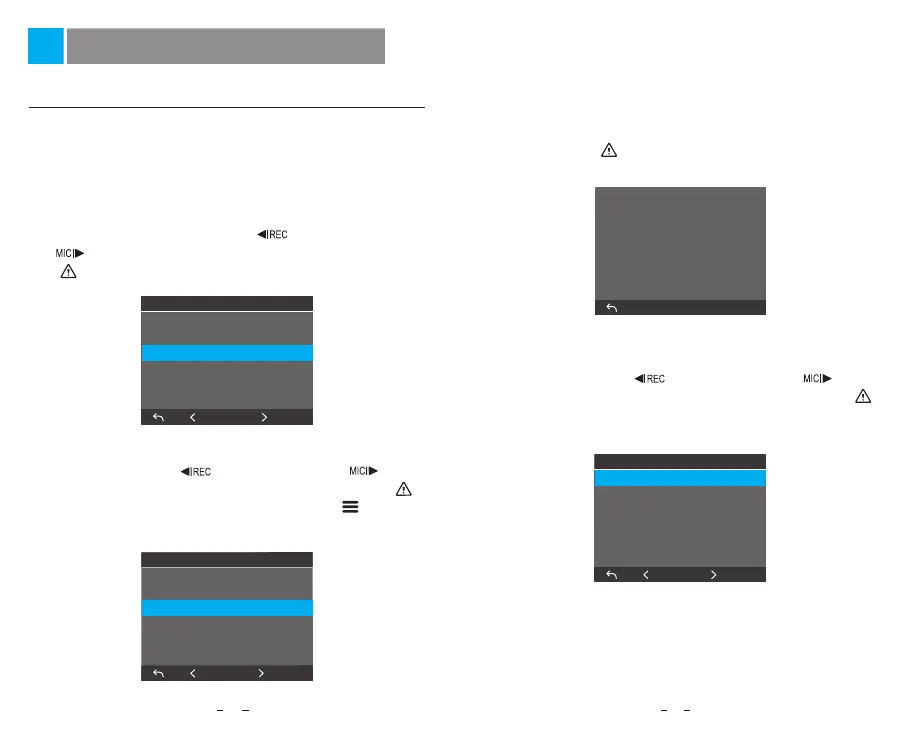
① Language Setting
When prompted with the initial setup dialog to set a
language, press the menu up [ ] and menu down
[ ] buttons to select the language, and press the OK
[ ] button to confirm.
④ Speed Unit Setting
Press the menu up [ ] and menu down [ ]
buttons to select the speed unit, and press the OK [ ]
button to confirm.
③ Confirm Auto Time and Date Setup
Press the OK [ ] button to confirm.
Time Zone
GMT-2
GMT-1
GMT+0
GMT+1
GMT+2
GMT+3
3/6
OK
Language
简体中文
繁体中文
English
Français
español
portugués
1/3
OK
Speed Units
MPH
KMH
OK
OK
Time & Date Setup
Your Dash Cam will automatically
set the time & date when a
satellite signal has been received.
② Time Zone Setting
Press the menu up [ ] and menu down [ ]
buttons to select the time zone, and press the OK [ ]
button to confirm. You can also press the [ ] button
to return to the previous level to modify settings.



 To Next Page