Video File Storage Location
The VIOFO app allows you to control your camera
remotely by using a smartphone. Features include full
camera control, live preview, playback and video
recording.
Android users can download the app from Google Play,
or download the APK directly from our official website:
https://viofo.com/en/content/13-app/
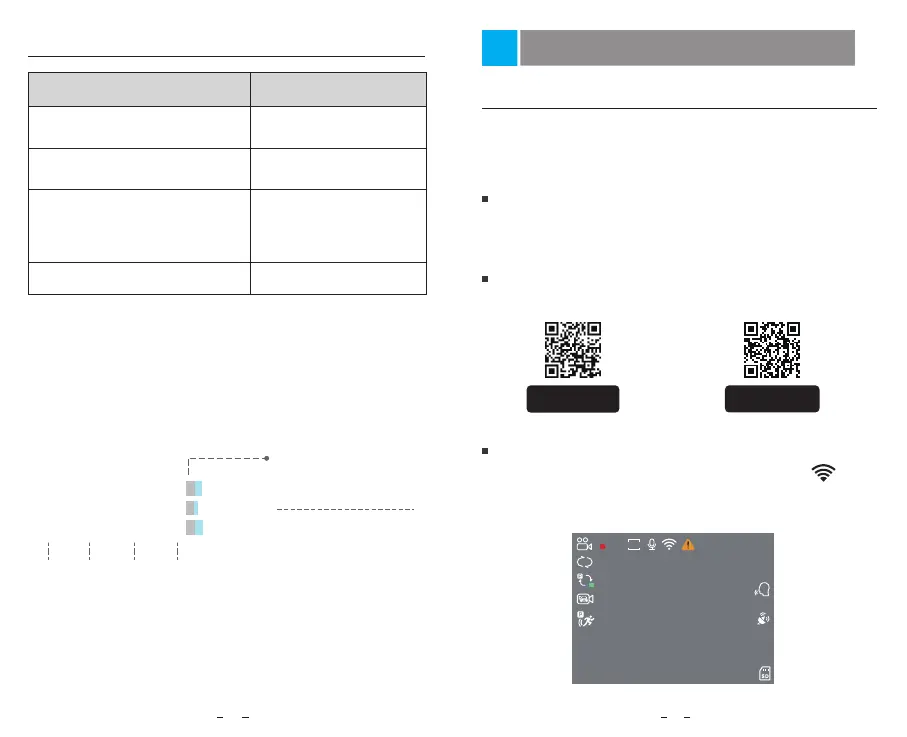
Turn on the Wi-Fi in the menu or long press the [ ]
button. When the Wi-Fi is on, Wi-Fi name (SSID) and the
password appear on the camera LCD screen.
Connect to Smartphone
Android Device
IOS users can download the app from the App store.
IOS Device
Connect VIOFO APP
Review and Control on Smartphone
Recording Mode Behavior
Loop Recording
( Including Motion Detection )
DCIM \ Movie
DCIM \ Movie\ RO
DCIM \ Movie \ Parking
Emergency Recording
( Locked Video )
Parking Recording
( Auto Event Detection /
Time-lapse Recording / Low
Bitrate Recording )
Snapshot
DCIM \ Photo
Files recorded by front camera, interior and rear
camera are saved separately.
File Format Definition
2023_0821_180010_062PF.MP4
2023_0821_180010_063PI.MP4
2023_0821_180010_064PR.MP4
Year Date Time
Sequence Number
F for the front camera
I for the interior camera
R for the rear camera
P for the video recorded
in the parking mode.
GET IT ON
Google Play
Download on the
App Store
24 25
00:00:00
2160P30
31/08/2023 15:58:01
MPH
G
1
HDR
SSID: VIOFO_A229P_5E8A
WPA2: 12345678



 To Next Page