24
©
2005
Directed Electronics, Inc. all rights reserved
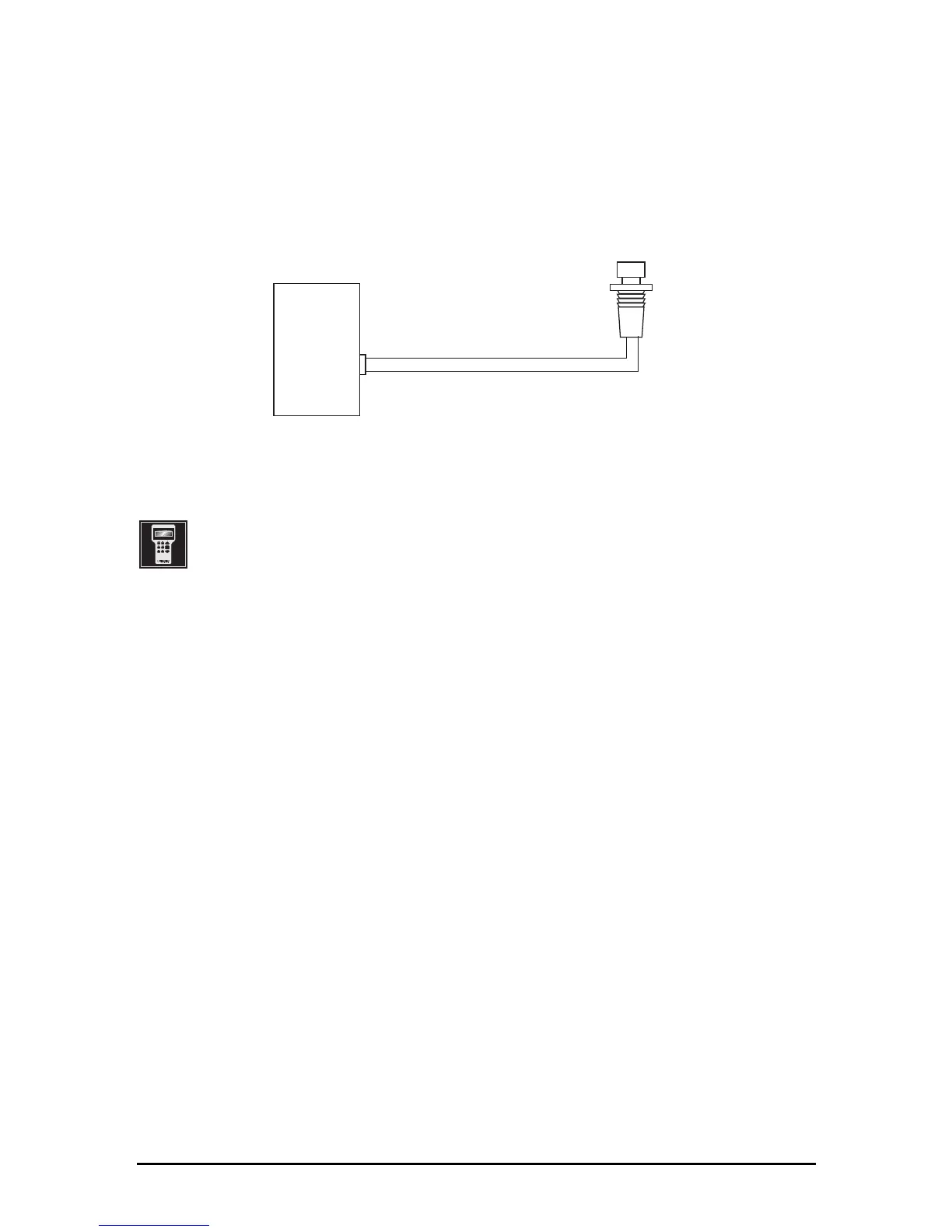
Valet/Program Button, 2-Pin BLUE Plug
The Valet/Program button should be accessible from the driver’s seat. It plugs into the BLUE port
on the side of the unit. Since the system includes a remote Valet feature, this button can be hidden.
Consider how the button will be used before choosing a mounting location. Check for rear clearance
before drilling a 7mm hole and mounting the button.
Programmer Interface, 3-Pin BLACK Plug
The BLACK three-pin port is provided for programming of the unit using the 998T Bitwriter
®
.
For more information please refer to the guide packaged with the programmer.
Mounting the Receiver/Antenna
Receiver/antenna position should be discussed with the vehicle’s owner prior to installation, since
the antenna may be visible to the vehicle’s operator.
The best location for the receiver/antenna is centered high on either the front or rear windscreen.
For optimal range, the antenna should be mounted vertically. It can be mounted horizontally in
relation to the windscreen or under the dashboard away from metal, but range will be reduced.
Metallic window tint can also affect range, so this should be a consideration when determining the
mounting location.
After determining the best mounting location, follow these steps:
1. Clean the mounting area with a quality glass cleaner or alcohol to remove any dirt or residue.
2. Plug the receiver/antenna cable into the receiver/antenna.
3. Mount the receiver/antenna using the supplied double-sided tape.
4. Route the receiver/antenna cable to the control module and plug it into the four-pin antenna
connector.



 To Next Page