48
©
2005
Directed Electronics, Inc. all rights reserved
Certificate of Installation
After installation you must fill out the certificate of installation. Once you have filled out all infor-
mation on the certificate the customer must sign and date it. Distribute the copies as follows:
➤➤
White (top) copy - customer
➤➤
Blue copy - customer’s insurance broker
➤➤
Pink copy - Directed Electronics, UK office
➤➤
Green copy - installing dealer
Troubleshooting and System Testing
Checking arm/disarm.
➤
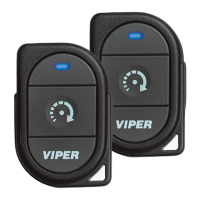
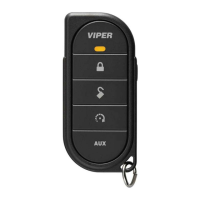
Use the and buttons on both remote controls to arm and disarm the alarm.
➤
Repeat both tests at required distance to test range.
Testing disarming without a remote
1. Arm the alarm or let the system AutoImmobilise.
2. Turn the ignition On.
3. Enter the preset PIN code as described in the Programming Instructions section.
4. If the correct code was entered you should hear two chirps and the system should disarm.
Testing Ignition Trigger
➤
Arm alarm.
➤
Turn ignition on, alarm should trigger after the progressive chirp sequence.
➤
Disarm alarm.
Testing the Pin protection switch(es)
➤
Arm the alarm system.
➤
Open the boot or bonnet or doors in turn to make sure all perimeter protection switches
operate.
➤
The alarm should trigger. Adjust Pin switch if required.



 To Next Page