VX90 - User Manual
22
To select refraction table
5 Keratometry measure
To select the Keratometry table
6 Print
Touch this button to print one ticket
7 Export
Touch this button to export at an external device
8 Delete
Touch this button to clear the data
9 Peripheral Keratometry measure
To select the Peripheral Keratometry table
10 Confidence Index
Give the measure reliability, 4 steps possible:
- CI=0 All the measures are false
- CI=3 the reliability is low
- CI=6 the reliability is medium
- CI=9 the reliability is High
11 Exam ID reset
To reset it long press (about 15 seconds) on “ID”.
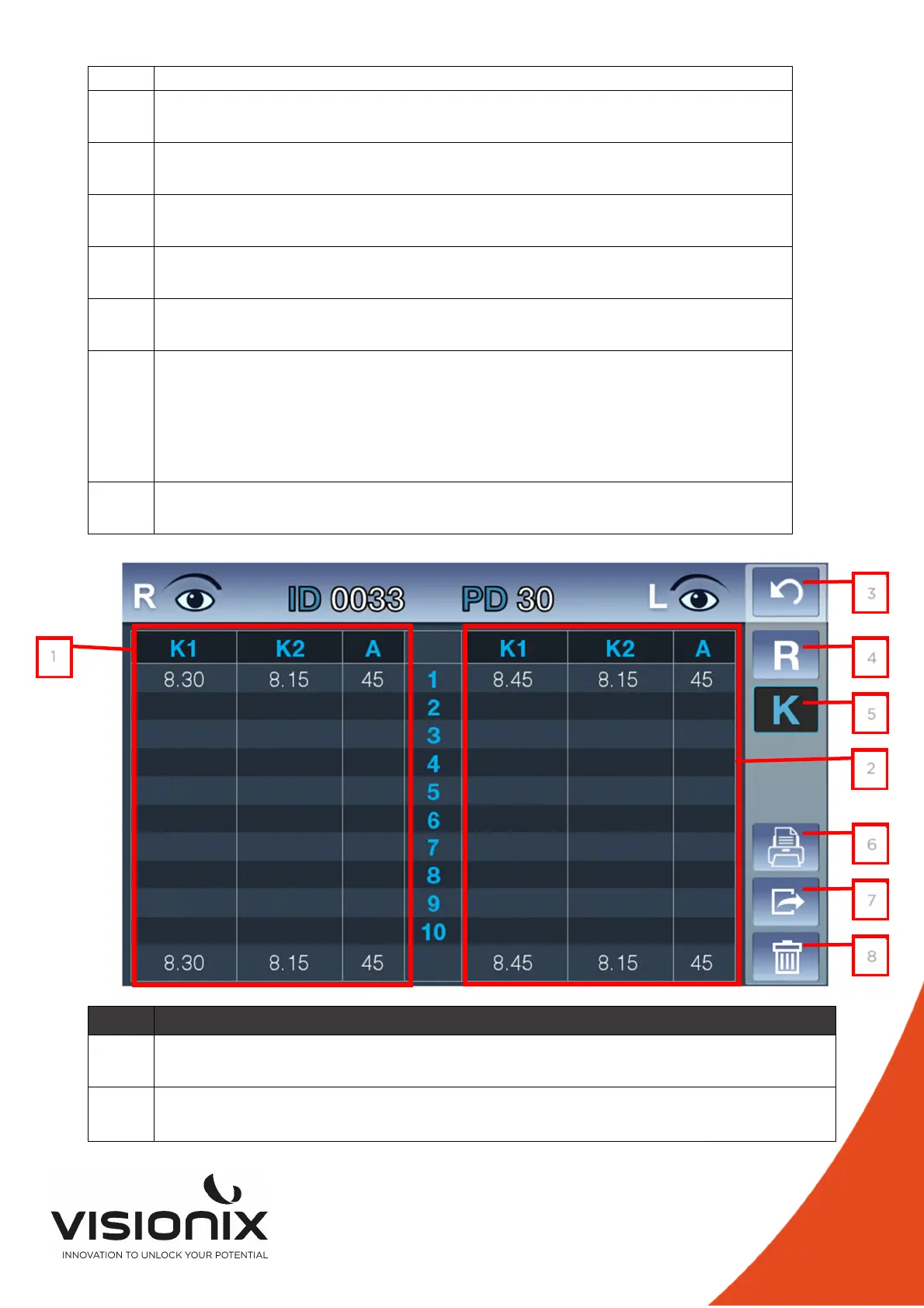
N° Description
1 Right Refraction measure
Display of the all measure with the average at the bottom of the column
2 Left Refraction measure
Display of the all measure with the average at the bottom of the column
1
3
4
5
2
6
7
8



 To Next Page