104
ВАРШ.201219.009РЭ
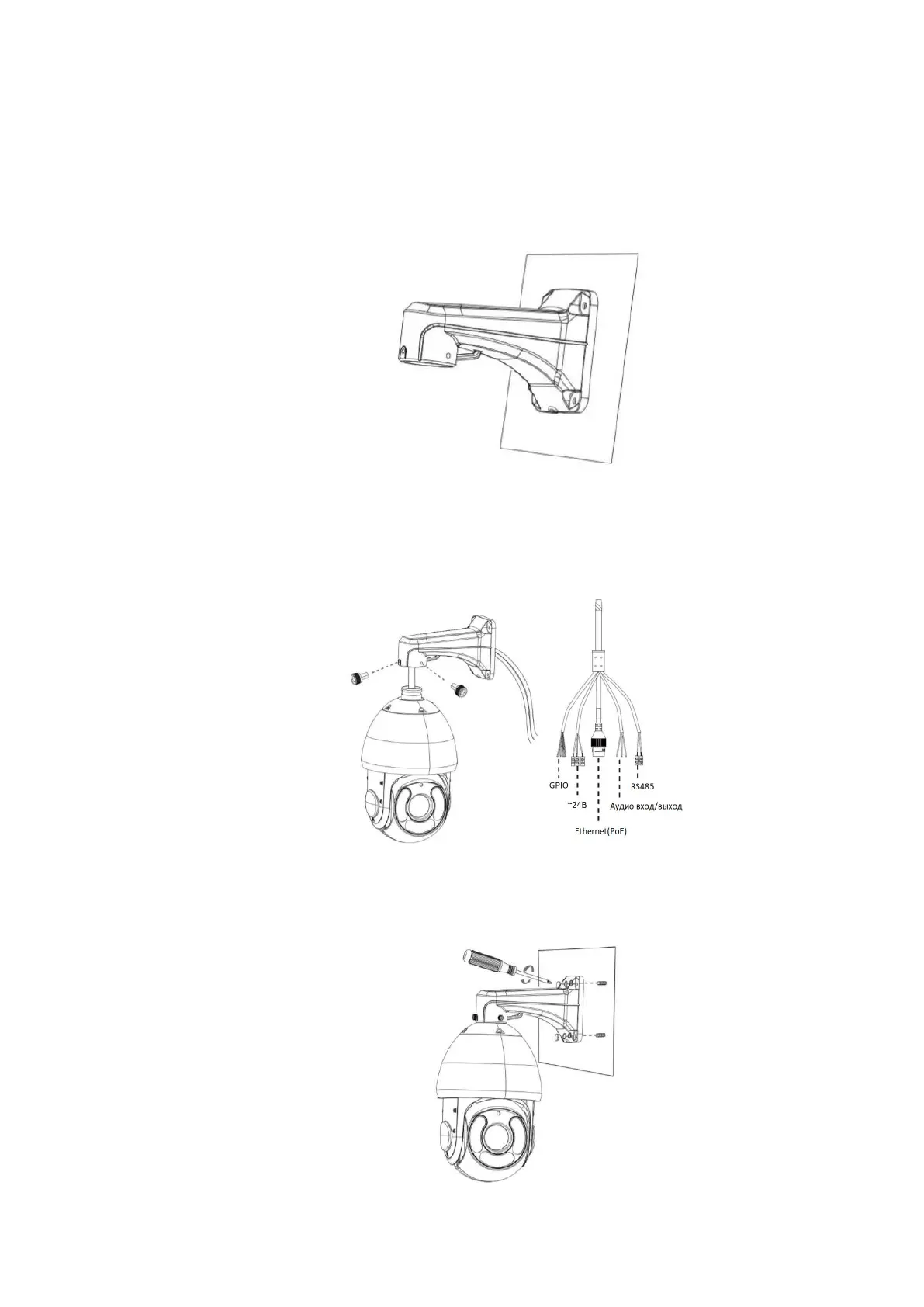
C.9 Mounting the VisorJet Smart Speed PTZ Series, Model VJS-P622-5
Step 1: Check the condition of the wall or ceiling. Make sure there is sufficient strength to
avoid crushing. It must support eight times the weight of a camera;
Step 2: Drill 4 holes on the wall;
Step 3: Lead out the cables through the bracket. Align the bracket with the threaded holes of
the camera body and secure them. ATTENTION! For safe installation, secure the camera with a
steel cable to the bracket.
Step 4: Make sure the camera body is properly installed on the bracket, and align the bracket
with the holes on the wall, then tighten the screws.



 To Next Page