49
ВАРШ.201219.009РЭ
Appendix B
Product web interface
B.1 Login to the web interface
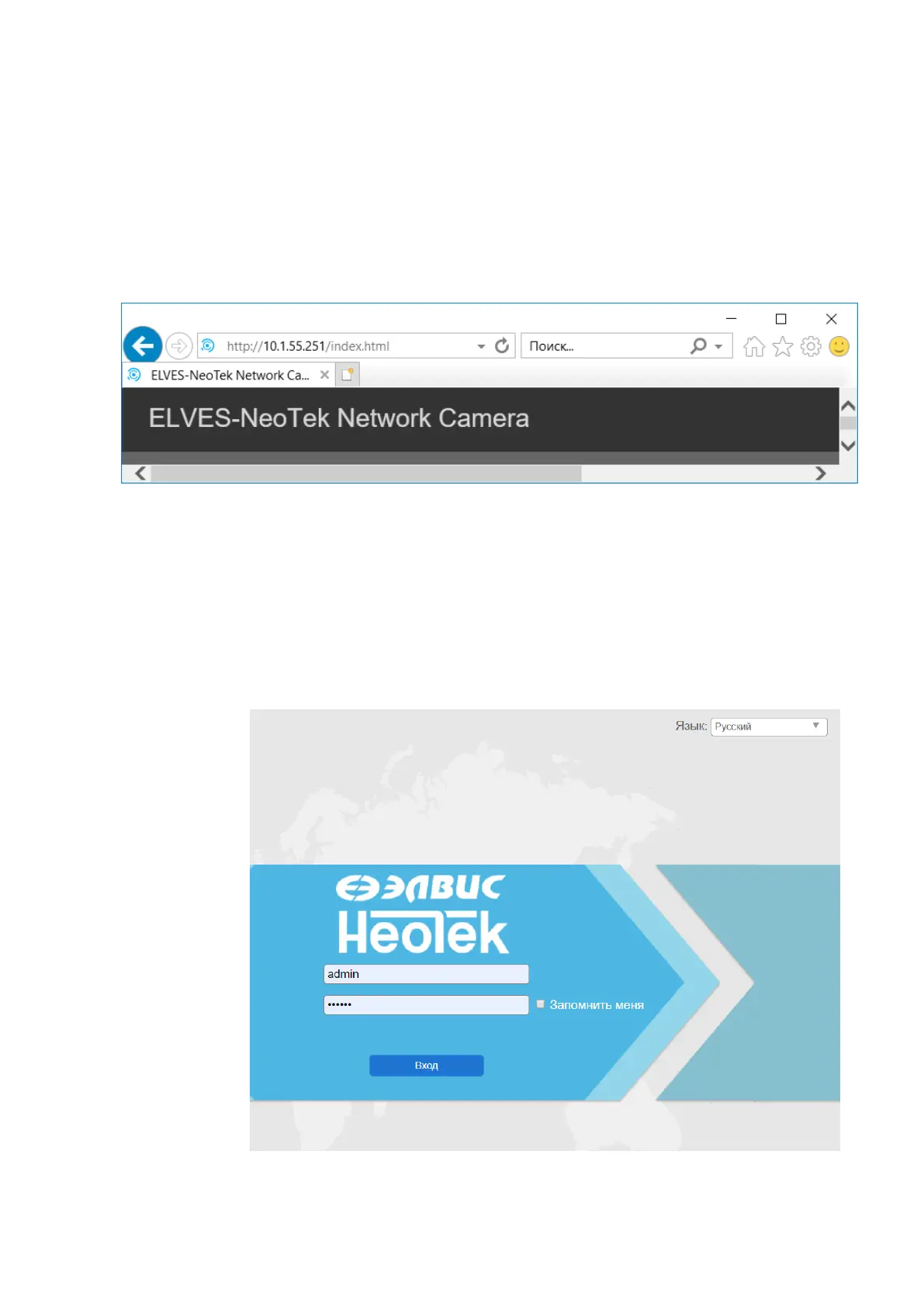
To enter the product web interface, you must:
1) Enter the IP address "192.168.5.190" in the address bar of the web browser.
Figure B.1 - Entering the IP address in a web browser
As a result, an authentication window will appear.
2) enter the data of the standard account:
a) the name "admin" in the "Username" field;
b) password "en123456" in the "Password" field.
Figure B.2 - Authentication window



 To Next Page