50
ВАРШ.201219.009РЭ
3) choose a language
4) click the Login button.
This will open the View tab of the product web interface.
B.2 Setting the parameters of the product
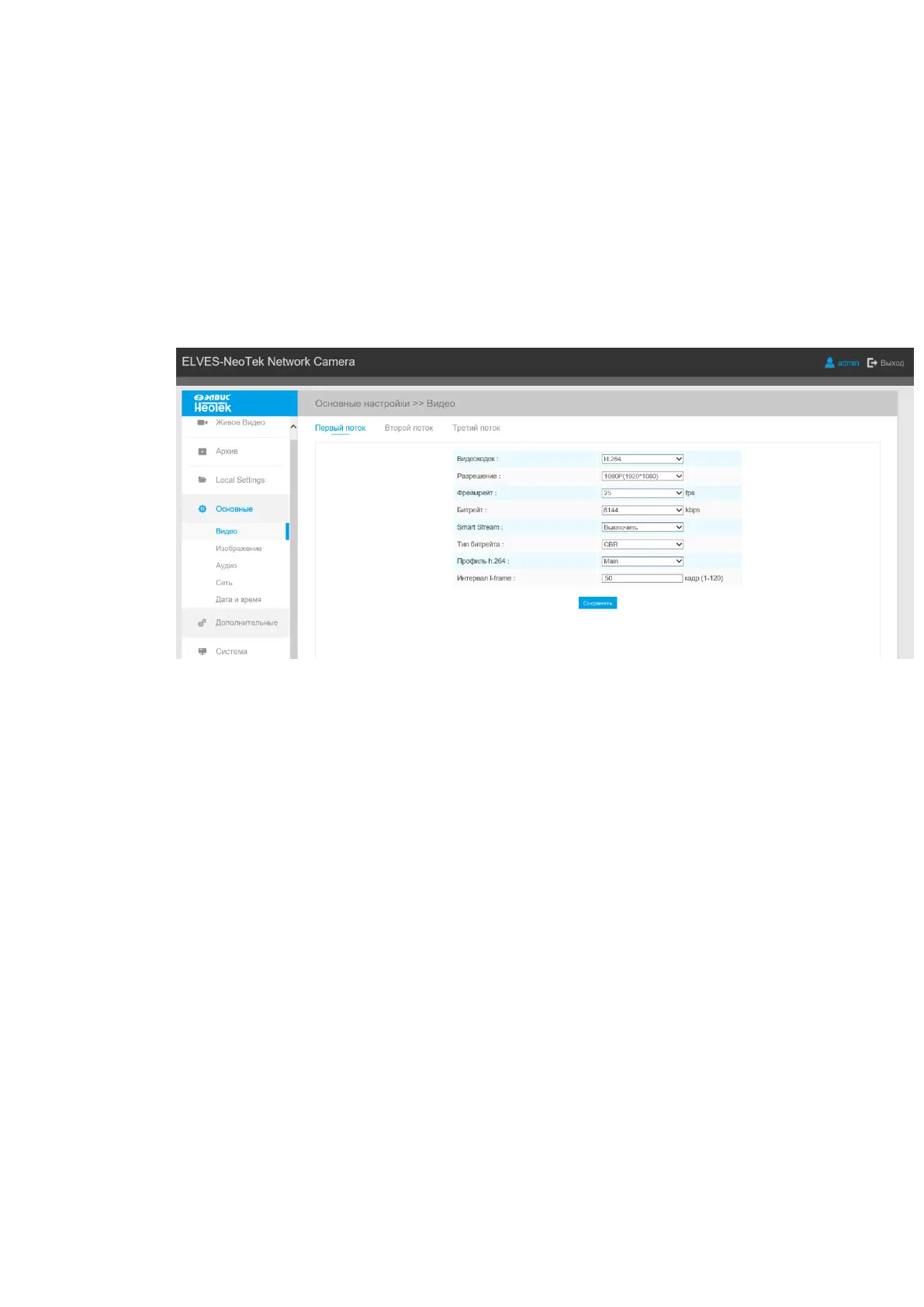
The settings for product operation are in the Configuration tab, which includes the tabs Live
video, Playback, Local Settings, Basic Settings, Advanced Settings, System, Maintenance, (fig.
B.3).
Figure B.3 - Basic settings Tab
Each tab contains additional tabs with settings. The active additional tab is marked with a
dot, the inactive one - in white. To save the settings made in each additional tab, click the Save
button (Fig. B.4).



 To Next Page