83
ВАРШ.201219.009РЭ
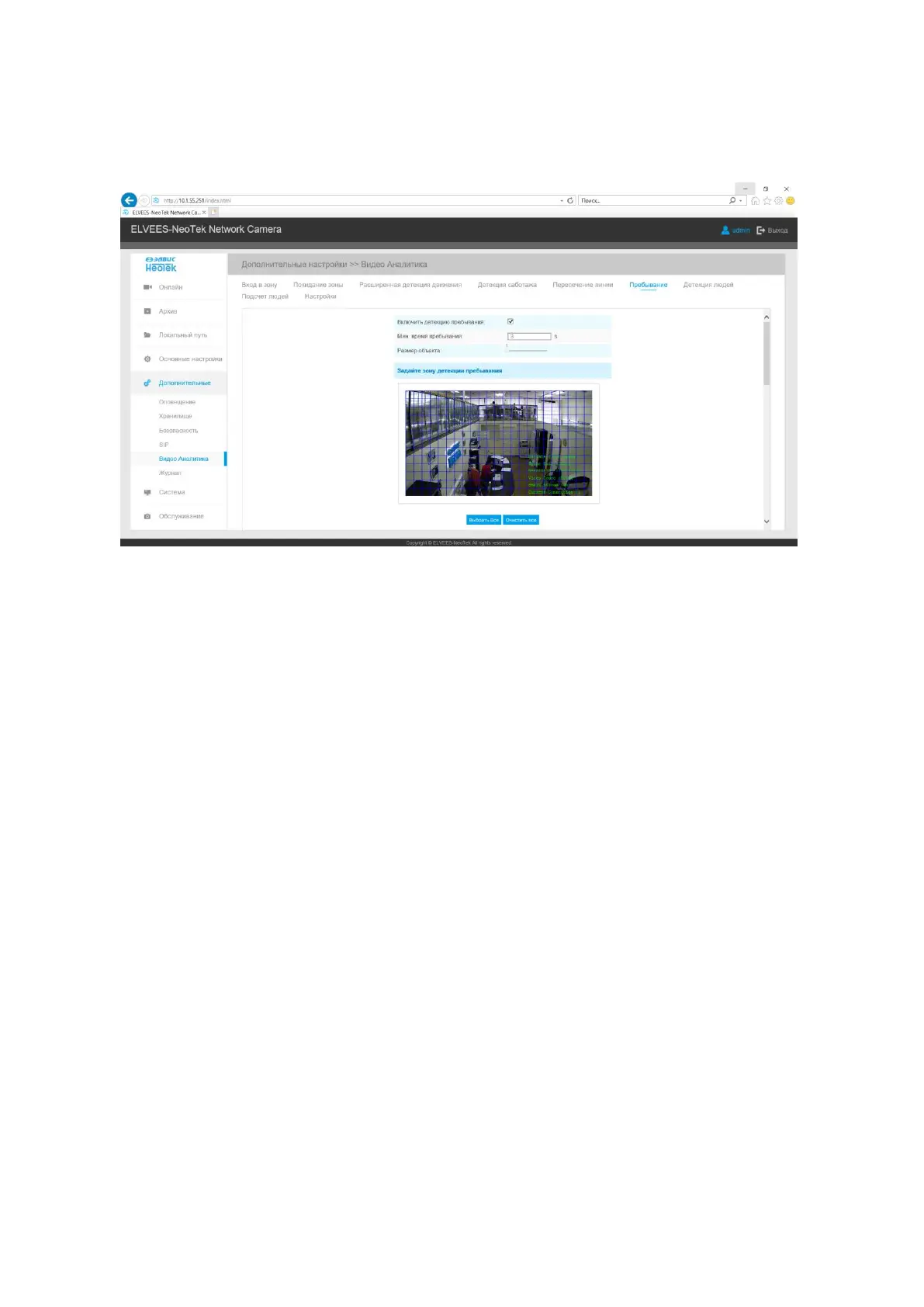
B.2.5.5.6 Loitering
When objects are loitering in a defined area for a specific period of time, it would trigger
an alarm.
Step1: Mark the region of interest on the image;
Step2: Specify the minimum loitering time, from 3 to 300 seconds;
Step3: Specify the minimum size of a detected object;
Step4: Set detection schedule;
Step5: Set alarm action;
Step6: Set alarm settings;
Step7: Save settings.
B.2.5.5.7 Human Detection
Human detection is used for figuring out whether an object is a human or not. Once human
detection is enabled, when there is an object appearing in the detecting area, an ID will show on the
frame. If the object is a person, it will mark as “person”. When the Show Tracks is enabled, the
tracks of the moving object will show on the screen.



 To Next Page