Page.35.
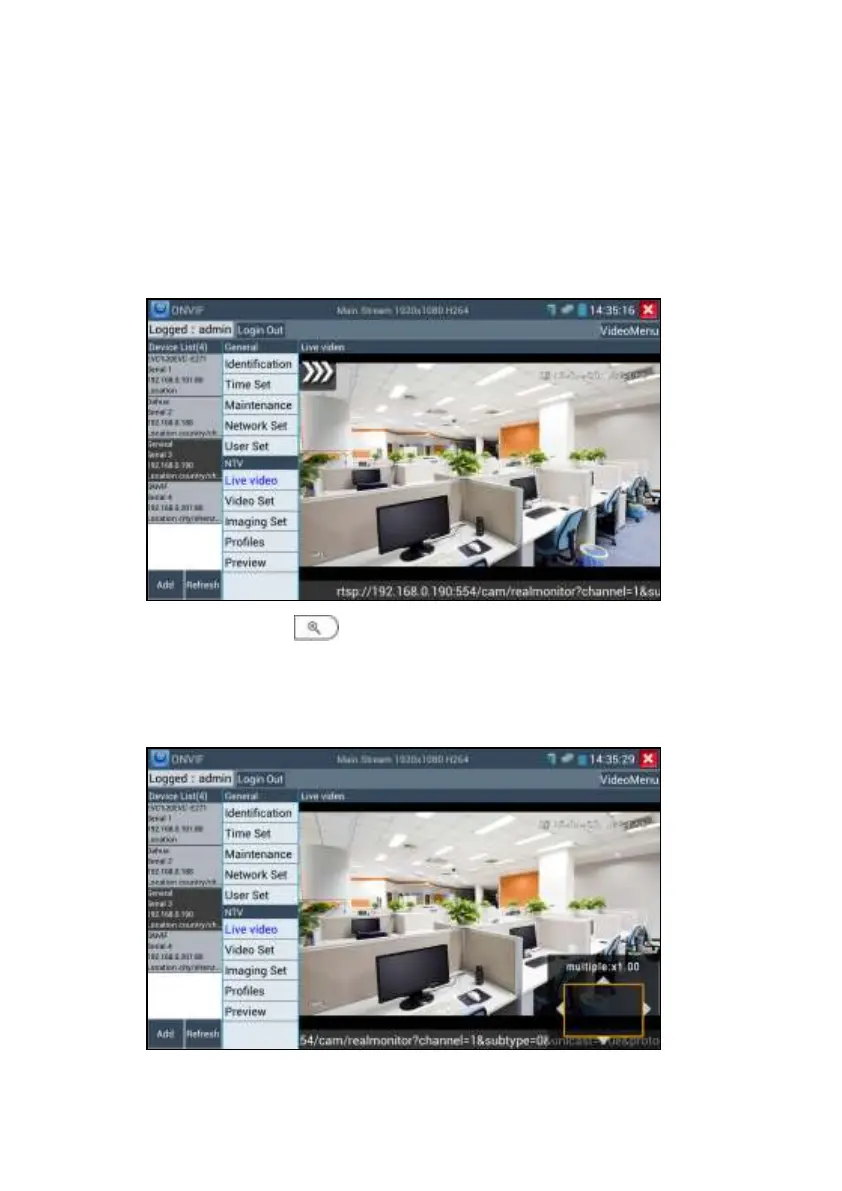
ONVIF PTZ control: Tap the image in the direction you want the PTZ camera to move. Tap the
left side of the image to move left, right to go right, up to go up and down to go down.
Compatible IP PTZ cameras will rotate accordingly. PTZ rotation direction is displayed on top
left corner of the image.
Zoom in image: press the key to enter the zoom mode. Press it again to exit zoom
mode.
When the image is enlarged tap left, right, up or down on the image to move the whole image
on the screen


 To Next Page