Page.37.
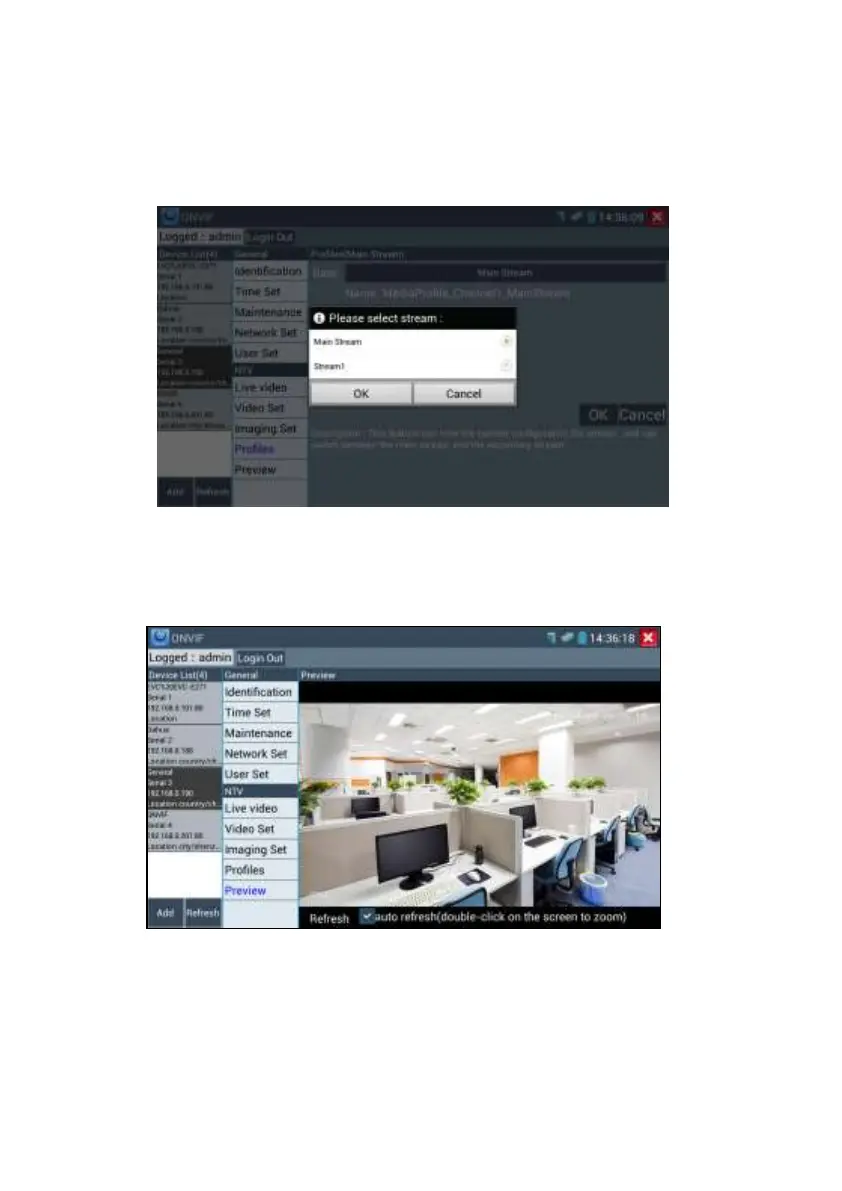
Profiles: Click “profiles”, can view video streaming current configuration files, as well as switch
between Major stream and minor stream .
Preview pictures: Quickly preview and zoom in or out pictures, automatically and manual
refresh
Network setting: Click “Network Set “to change the IP address settings. Note: Some cameras
are not fully ONVIF compliant and cannot support changing their IP address, so there is no
change after saving.


 To Next Page