Page.48.
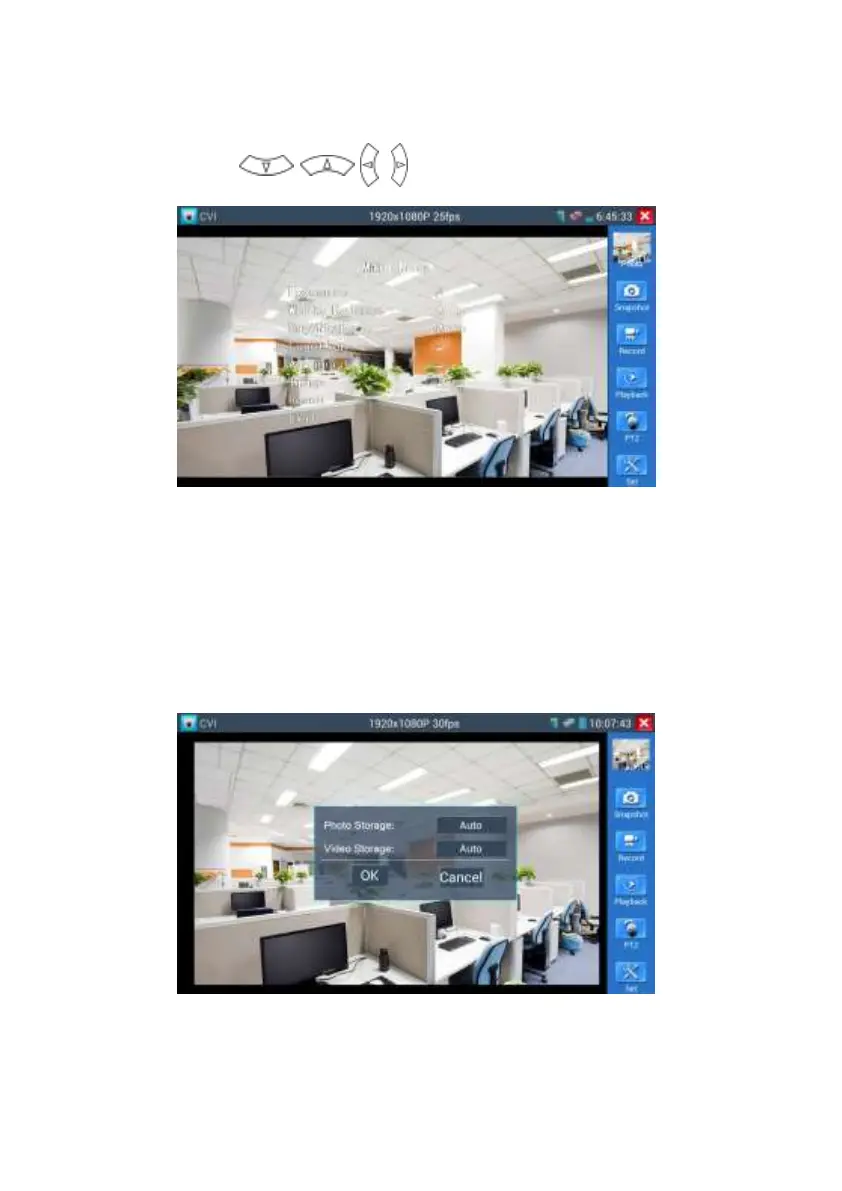
Press arrow keys to set
(3) Snapshot, record, photo viewer and video play back, please refer to “3.3.1 PTZ (1) Video
monitor test”
(4) Save setting
Click icon “Set” on the right toolbar to enter storage setting.
Support auto-storage and manual storage.
When select manual storage, user can name and store the files.


 To Next Page