Page.47.
Operation instructions, please refer to “3.3.1 PTZ (1) PTZ control parameters setting”
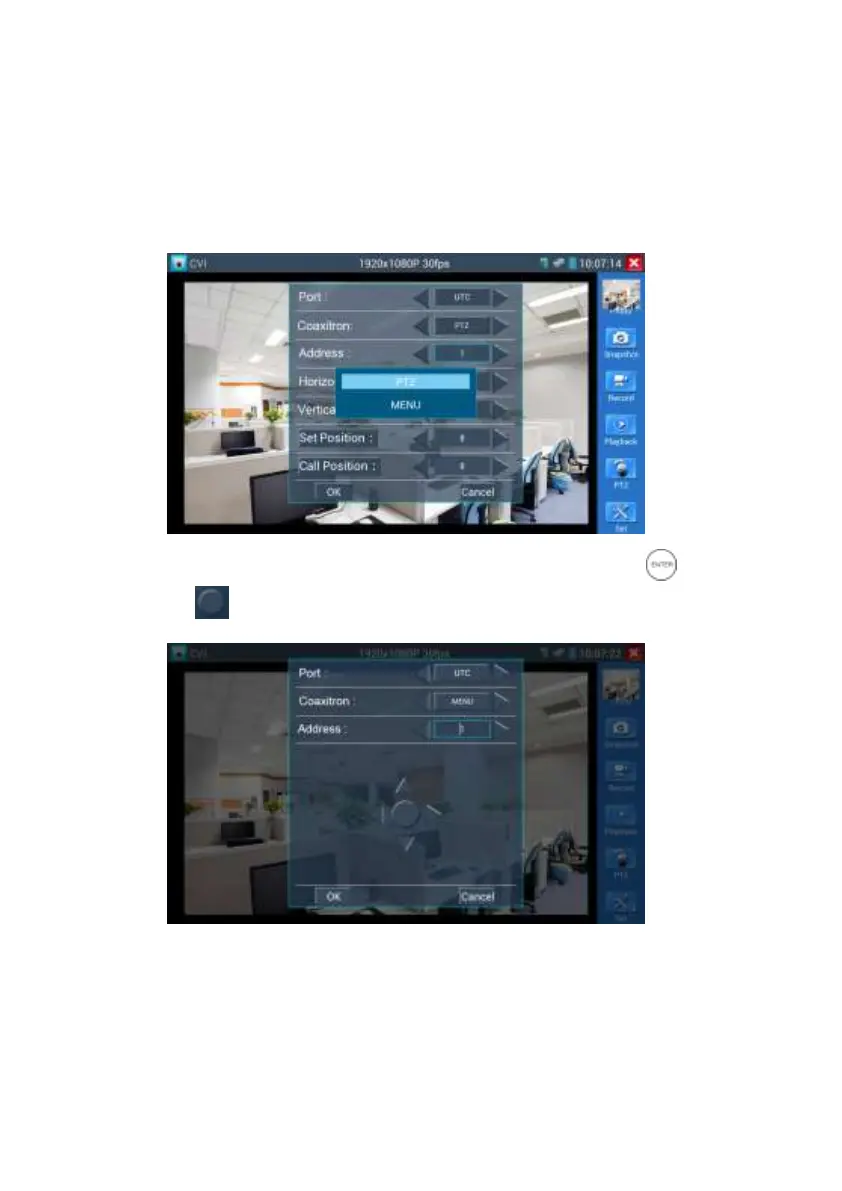
(2)Coaxial camera menu setting
Click “Coaxitron” and select “camera menu”, can open the dome menu
Input calling dome camera menu address code, click “ok”, then press key button“ ”or click
screen icon “ ”


 To Next Page