VISUAL
TECHNOLOGY
INCORPORATED,
RAILROAD
AVENUE,
DUNDEE
PARK,
ANDOVER,
MA
01810
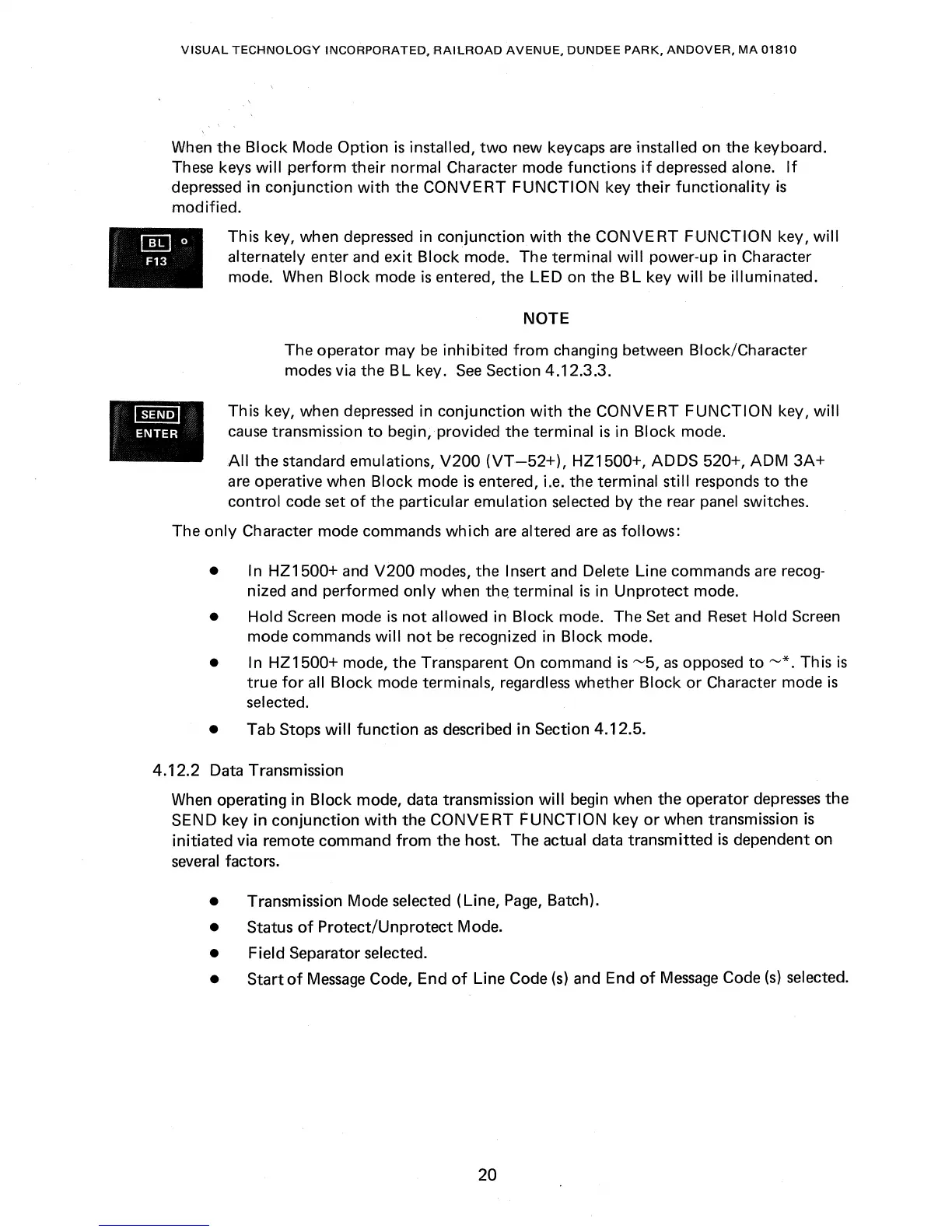
When the
Block
Mode
Option
is
installed,
two
new key
caps
are installed on the keyboard.
These keys
will
perform
their
normal Character mode
functions
if
depressed alone.
If
depressed in
conjunction
with
the
CONVERT
FUNCTION
key
their
functionality
is
modified.
•
This key, when depressed in
conjunction
with
the
CONVERT
FUNCTION
key,
will
alternately enter and
exit
Block
mode. The terminal
will
power-up in Character
mode. When Block mode
is
entered, the
LED
on the B L key
will
be
illuminated.
NOTE
The operator may
be
inhibited
from
changing between Btock/Character
modes via the B L key.
See
Section 4.12.3.3 .
This key, when depressed in
conjunction
with
the
CONVERT
FUNCTION
key,
will
cause
transmission
to
begin, provided
the
terminal
is
in
Block
mode.
All
the
standard emulations,
V200
(VT
-52+),
HZ1500+,
ADDS
520+,
ADM
3A+
are operative when
Block
mode
is
entered, i.e. the terminal still responds
to
the
control
code set
of
the particular emulation selected
by
the
rear panel switches.
The
only
Character mode commands
which
are
altered are
as
follows:
• In
HZ1500+
and
V200
modes, the Insert and Delete Line commands are recog-
nized and performed
only
when
th~
terminal
is
in
Unprotect
mode.
•
Hold
Screen mode
is
not
allowed in Block mode. The Set and Reset Hold Screen
mode commands
will
not
be
recognized in Block mode.
• I n HZ 1500+ mode, the Transparent On command
is
~5,
as
opposed
to
~*.
Th
is
is
true
for
all
Block
mode terminals, regardless whether
Block
or
Character mode
is
selected.
• Tab Stops
will
function
as
described in Section 4.12.5.
4.12.2 Data Transm ission
When operating in
Block
mode, data transmission
will
begin when the operator
depresses
the
SEND key
in
conjunction
with
the
CONVE
RT
FUNCTION
key
or
when transmission
is
initiated
via remote command
from
the host. The actual data transmitted
is
dependent on
several factors.
• Transmission Mode selected (Line,
Page,
Batch).
• Status
of
Protect/Unprotect
Mode.
• Field Separator selected.
•
Start
of
Message
Code, End
of
Line Code
(s)
and End
of
Message
Code
(s)
selected.
20



 To Next Page