VISUAL
TECHNOLOGY
INCORPORATED,
RAILROAD
AVENUE,
DUNDEE
PARK,
ANDOVER,
MA
01810
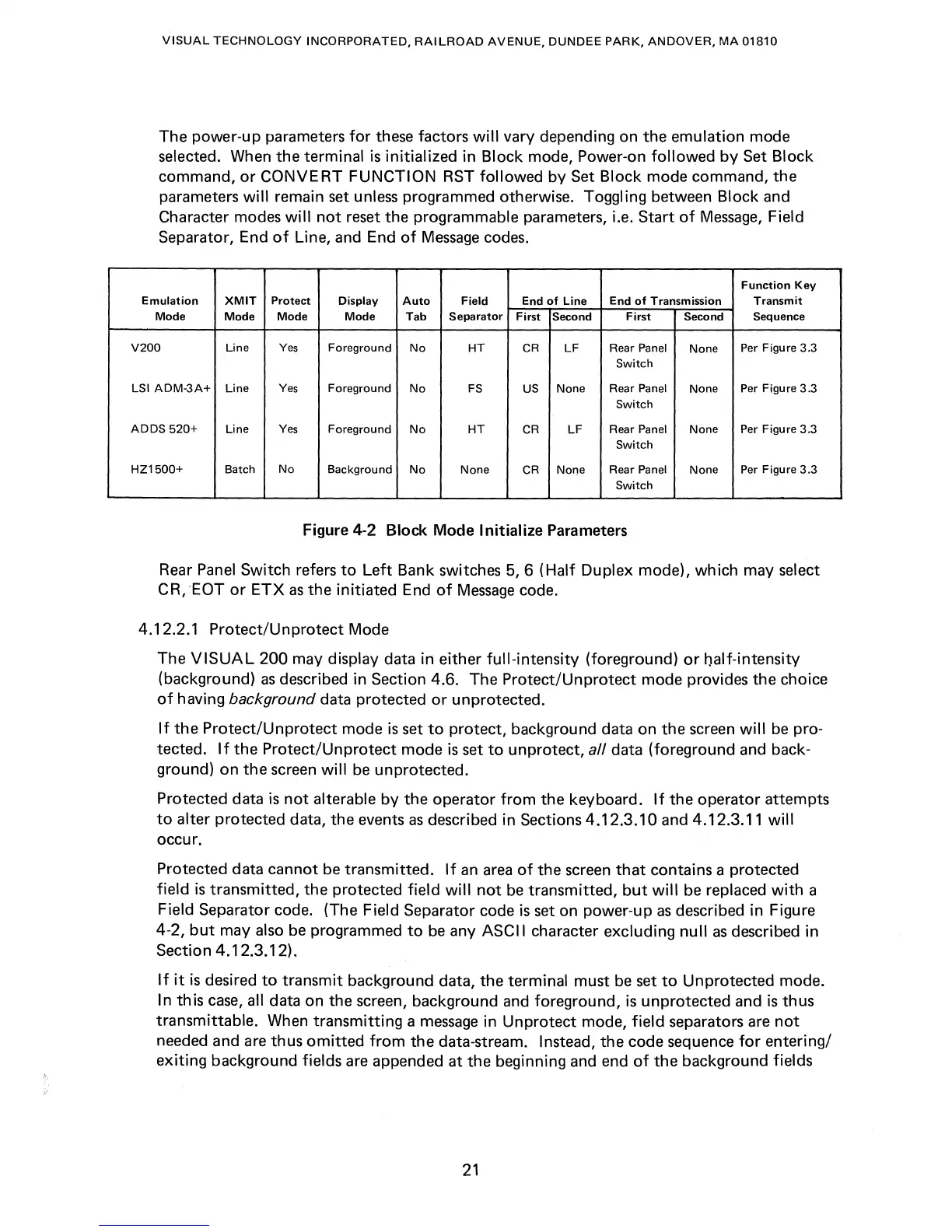
The power-up parameters
for
these factors
will
vary depending on
the
emulation mode
selected. When the terminal
is
initialized in Block mode, Power-on
followed
by
Set Block
command,
or
CONVERT
FUNCTION
RST
followed
by
Set
Block
mode command, the
parameters
will
remain set unless programmed otherwise. Toggling between Block and
Character modes
will
not
reset the programmable parameters, i.e. Start
of
Message,
Field
Separator, End
of
Line, and End
of
Message
codes.
Function
Key
Emulation
XMIT
Protect
Display
Auto
Field
End
of
Line
End
of
Transmission
Transmit
Mode Mode Mode Mode
Tab
Separator
First
Second
First
Second Sequence
V200
Line
Yes
Foreground
No
HT
CR
LF
Rear Panel
None
Per Figure 3.3
Switch
LSI
ADM-3A+
Line
Yes
Foreground
No
FS
US
None
Rear Panel None Per Figure
3.3
Switch
ADDS
520+
Line
Yes
Foreground
No
HT
CR
LF
Rear Panel
None
Per Figure 3.3
Switch
HZ1500+
Batch
No
Background
No
None
CR
None
Rear Panel
None
Per Figure
3.3
Switch
Figure 4-2
Block
Mode
Initialize
Parameters
Rear
Panel
Switch refers
to
Left
Bank switches 5, 6 (Half Duplex mode), which may select
CR,
'EaT
or
ETX
as
the
initiated
End
of
Message
code.
4.12.2.1
Protect/Unprotect
Mode
The
VISUAL
200
may display data in either
full-intensity
(foreground)
or
half-intensity
(background)
as
described in Section 4.6. The Protect/Un
protect
mode provides the choice
of
having
background
data protected
or
unprotected.
If
the
Protect/Unprotect
mode
is
set
to
protect, background data on the screen
will
be
pro-
tected.
If
the
Protect/Un
protect
mode
is
set
to
unprotect, all data (foreground and back-
ground) on
the
screen
will
be
unprotected.
Protected data
is
not
alterable
by
the operator
from
the keyboard.
If
the
operator attempts
to
alter protected data, the events
as
described in Sections
4.12.3.10
and 4.12.3.11
will
occur.
Protected data cannot be transmitted.
If
an
area
of
the screen
that
contains a protected
field
is
transmitted, the protected field
will
not
be
transmitted,
but
will
be
replaced
with
a
Field Separator code. (The Field Separator code
is
set on power-up
as
described in Figure
4-2,
but
may also
be
programmed
to
be
any ASCII character excluding
null
as
described in
Section 4.12.3.12).
If
it
is
desired
to
transmit
background data,
the
terminal must
be
set
to
Unprotected mode.
In
th
is
case,
all data on the screen, background and foreground,
is
unprotected and
is
thus
transmittable. When
transmitting
a
message
in
Unprotect
mode,
field
separators
are
not
needed and are thus
omitted
from
the data-stream. Instead, the code sequence
for
entering/
exiting
background fields are appended
at
the beginning and end
of
the
background fields
21



 To Next Page