VISUAL
TECHNOLOGY
INCORPORATED,
RAILROAD
AVENUE,
DUNDEE
PARK,
ANDOVER,
MA
01810
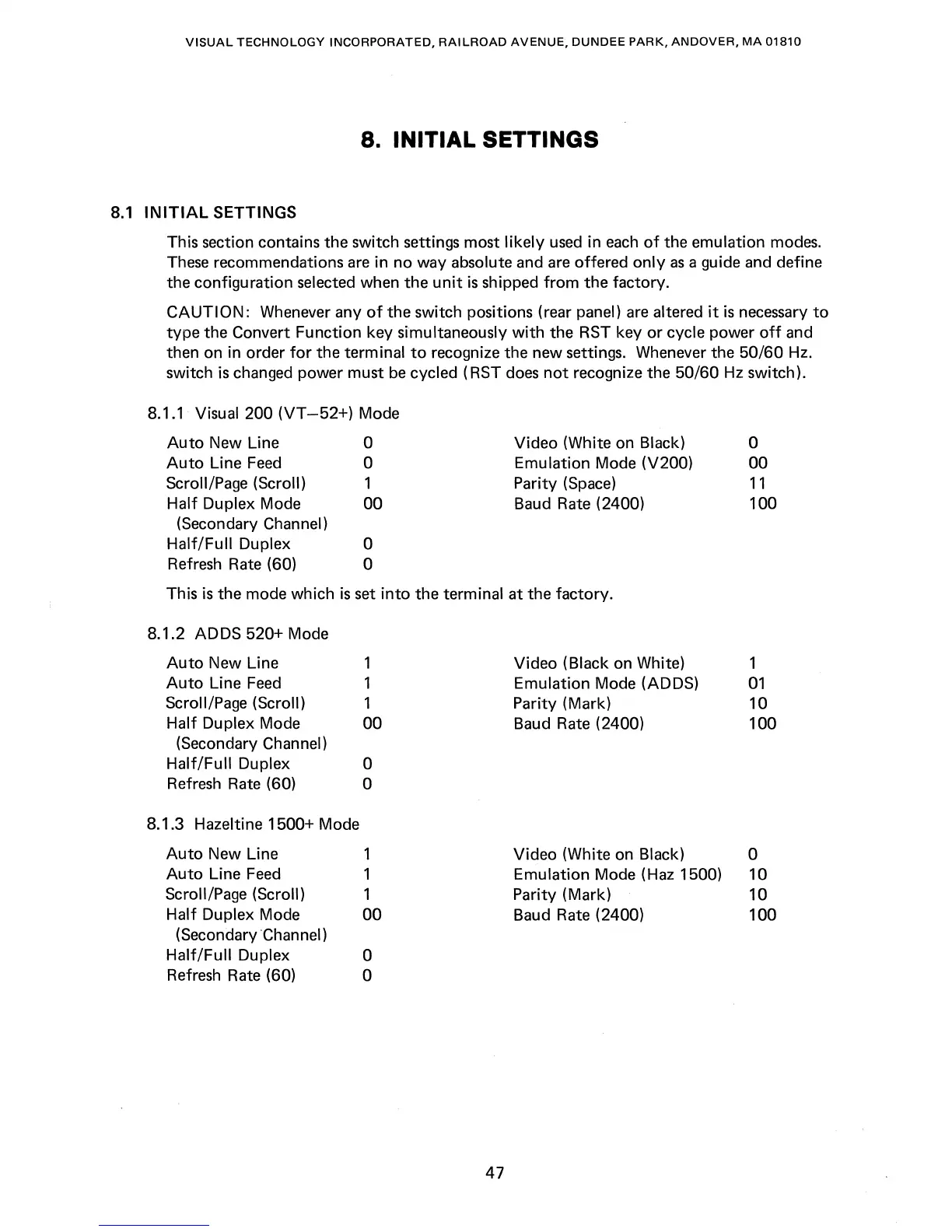
8. INITIAL SETTINGS
8.1
INITIAL
SETTINGS
This section contains the switch settings most
likely
used
in
each
of
the emulation modes.
These
recommendations
are
in no way absolute and are offered
only
as
a guide and define
the configuration
selected when the
unit
is
shipped
from
the factory.
CAUTION:
Whenever any
of
the switch positions (rear panel) are altered
it
is
necessary
to
type
the Convert Function key simultaneously
with
the RST key
or
cycle power
off
and
then on in order
for
the terminal
to
recognize the new settings. Whenever the
50/60
Hz.
switch
is
changed power must
be
cycled (RST
does
not
recognize the 50/60
Hz
switch).
8.1.1
Visual 200
(VT
-52+)
Mode
Auto
New Line
Auto
Line
Feed
Scroll/Page (Scroll)
Half Duplex
Mode
(Secondary
Channel)
Half/Full
Duplex
Refresh Rate (60)
o
o
1
00
o
o
Video (White on Black)
Emulation
Mode (V200)
Parity
(Space)
Baud Rate
(2400)
This
is
the mode which
is
set
into
the terminal at the factory.
8.1.2
ADDS 520+ Mode
Auto
New Line
1
Video (Black on White)
Auto
Line
Feed
1
Emulation Mode (ADDS)
Scroll/Page (Scroll)
1
Parity (Mark)
Half Duplex Mode
00
Baud Rate (2400)
(Secondary Channel)
Half/Full
Duplex
0
Refresh Rate (60)
0
8.1.3 Hazeltine 1500+ Mode
Auto
New Line
1 Video (White on
Black)
Auto
Line
Feed
1
Emulation Mode (Haz 1500)
Scroll/Page (Scroll)
1
Parity (Mark)
Half Duplex Mode
00
Baud Rate (2400)
(Secondary Channel)
Half/Full
Duplex
0
Refresh Rate (60)
0
47
o
00
11
100
1
01
10
100
0
10
10
100



 To Next Page