Vitrek V4 – Electrical Safety Tester USER MANUAL
14
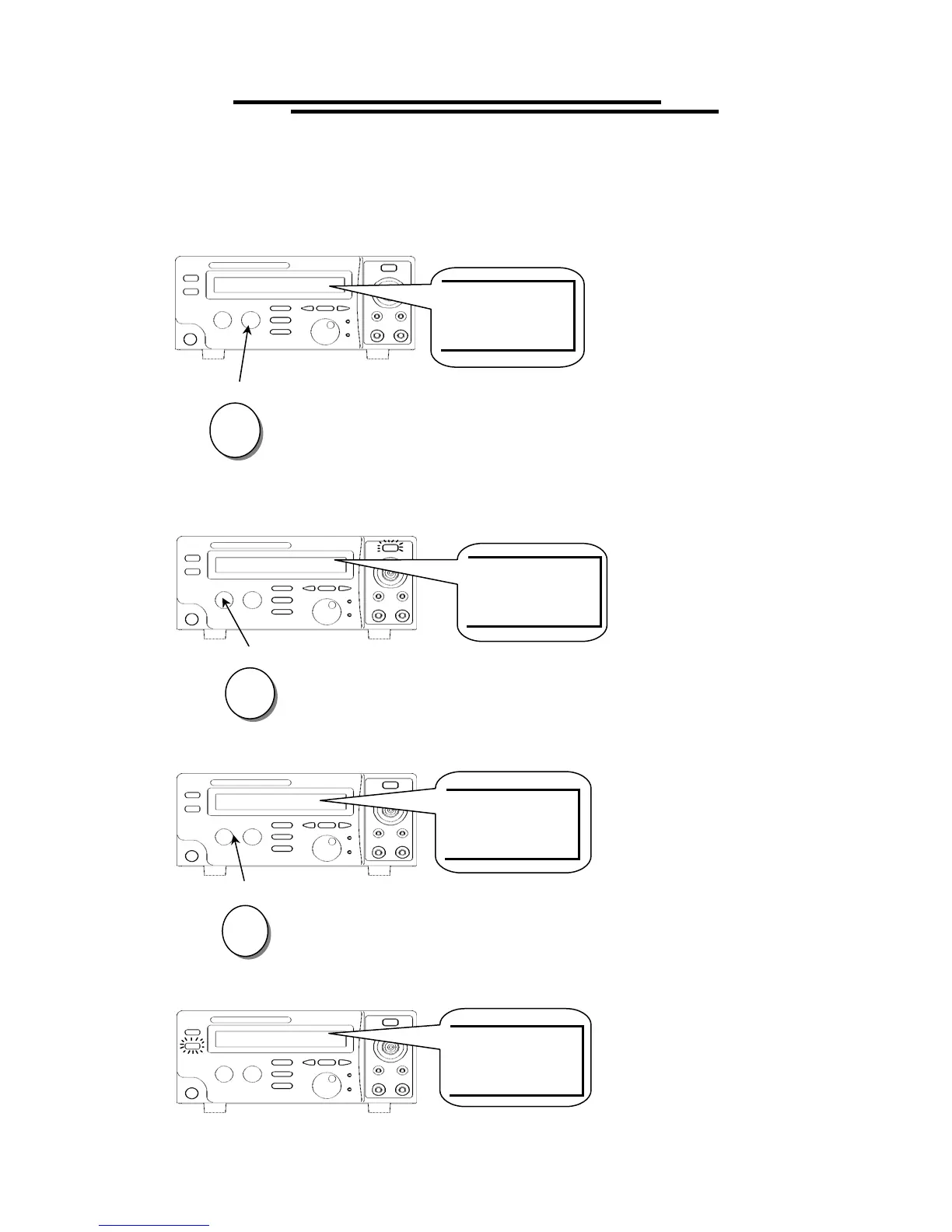
To Begin a Group Test
1. Repeat the procedure “To View the Storage Steps” to select a step.
2. Press RESET button to enter status READY.
3. Make sure the test environment is safe.
4. Press START button to start the test while the status TEST is active and the CAUTION LED flashes.
5. If you press RESET button the test will stop immediately.
6. If the result is pass, the PASS LED will be active.
RESET
STOP
START
TEST
PASS
READY
RESET



 To Next Page