Vitrek V4 – Electrical Safety Tester USER MANUAL
17
GROUP
TEST
ARC
MODE
ARC
CURRENT
AC
FREQ
TEST
CONTROL
DATA
LOCK
IR
MODE
GB
ZERO
INTERFACE FAIL
SETTING
AC
DC
IR
GB
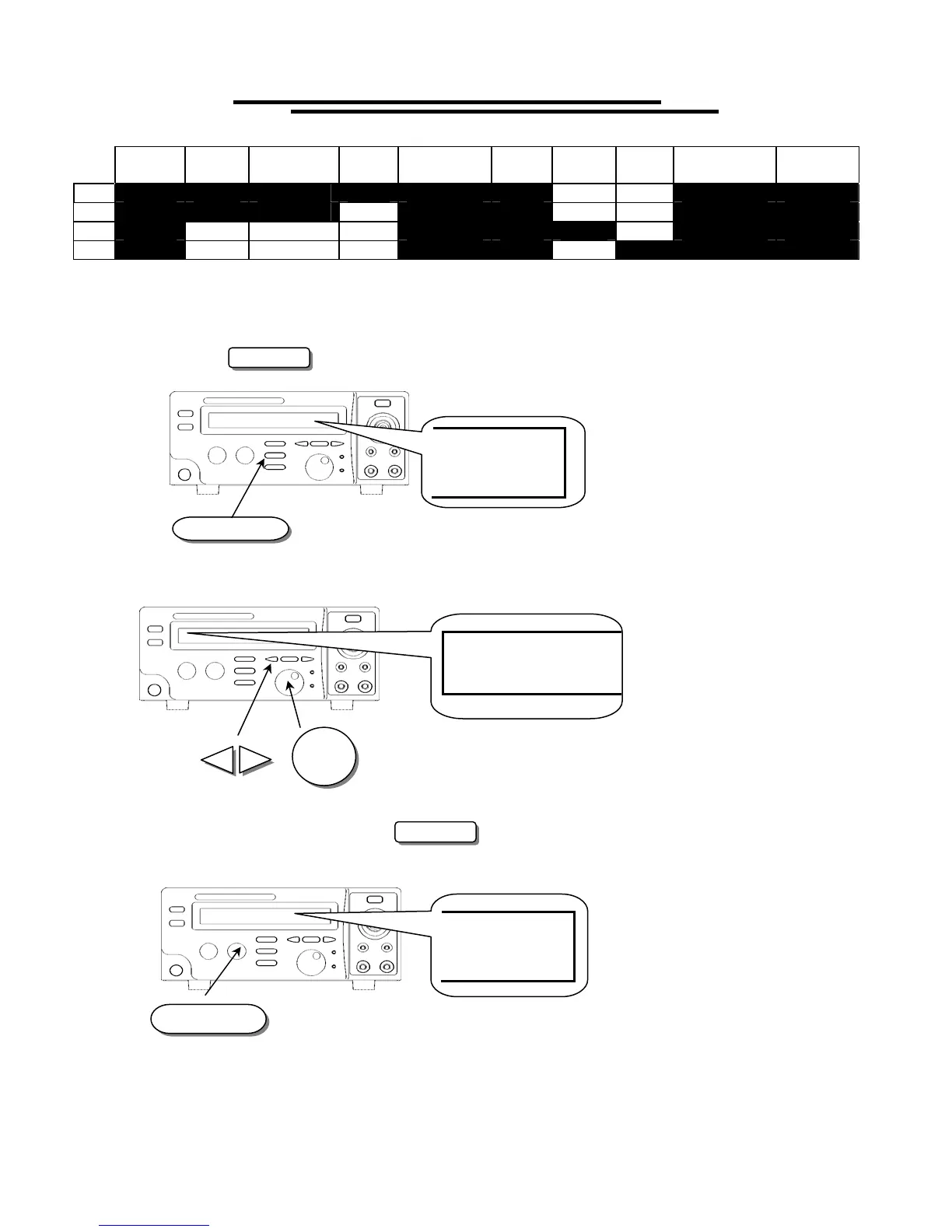
To Edit/Save the System Utility
1. Follow the above procedure “To View the System Utility” to select a parameter.
2. Press the EDIT/SAVE key to enter status EDIT.
3. Use knob to adjust parameter. Use arrow keys to change knob’s resolution.
4. After setting this parameter, press EDIT/SAVE key to save the parameter. The status will become
SAVE. After the parameter is saved, the status will return to EDIT.
5. Repeat the procedure “To View the System Utility” to select another parameter.
EDIT/SAVE
EDIT
TE
S
T
MO
D
E
FR
O
M
ST
E
P
EDIT/SAVE
SAVE



 To Next Page