27
Vivint Element Installation Guide
Setup
SmartStart Inclusion (Optional)
SmartStartenabledproductscanbeaddedintoaZ-Wavenetworkbyscanningthe
Z-WaveQRCodepresentontheproductwithacontrollerprovidingSmartStartinclusion.
NofurtheractionisrequiredandtheSmartStartproductwillbeaddedautomaticallywithin
10minutesofbeingswitchedoninthenetworkvicinity.
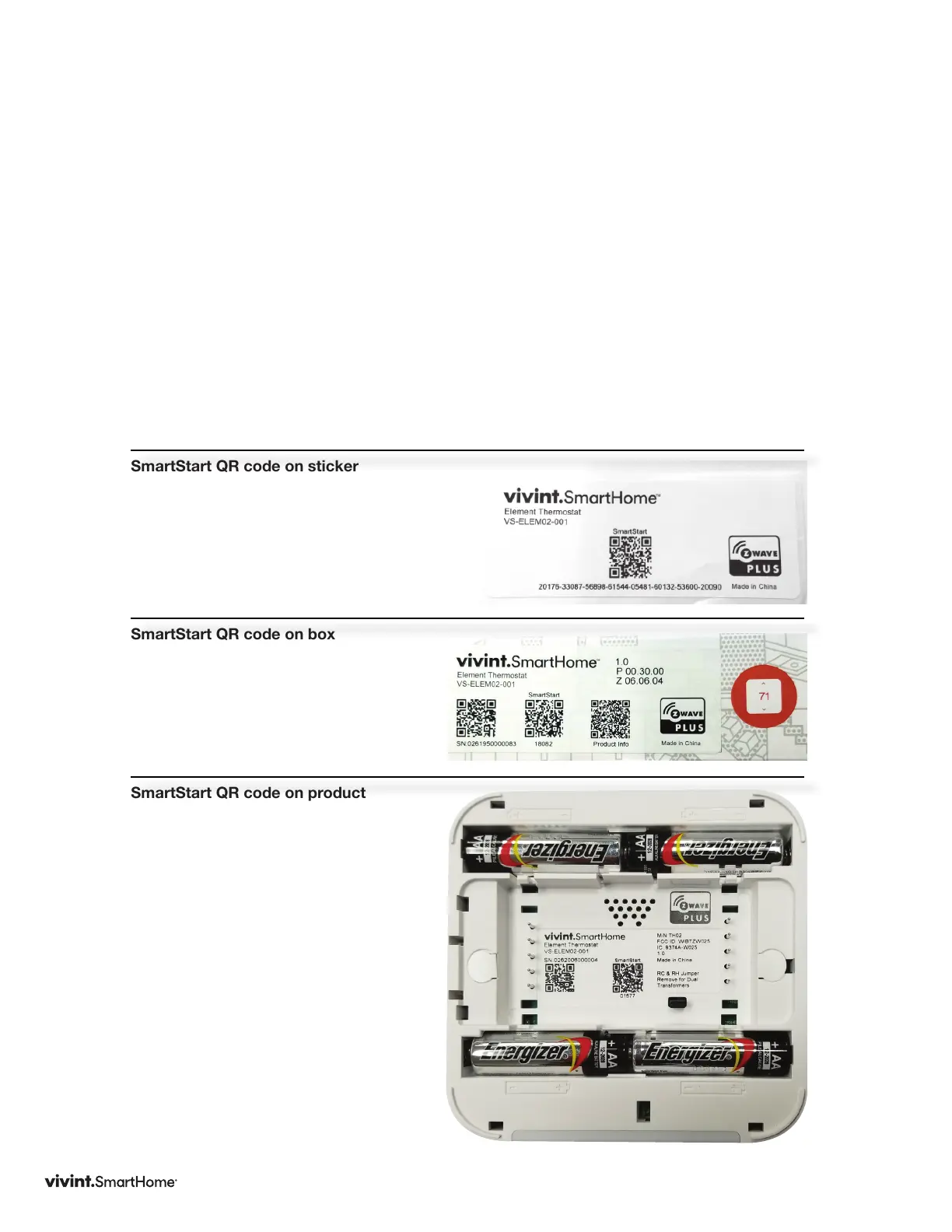
TheSmartStartQRcodecanbefoundonthebackoftheproduct,sideofthepackage,or
alsoinsertedasasticker.ThestickercontainsthefullDSKstring.It’simportantthatifyou
plantouseDSKthatyoukeepthislabelinasafeplaceyou’llremember.
NOTE:TheVivintpanelcurrentlydoesnotsupportSmartStartinclusion.
SmartStart QR code on sticker
SmartStart QR code on box
SmartStart QR code on product



 To Next Page