56
Other Device Information
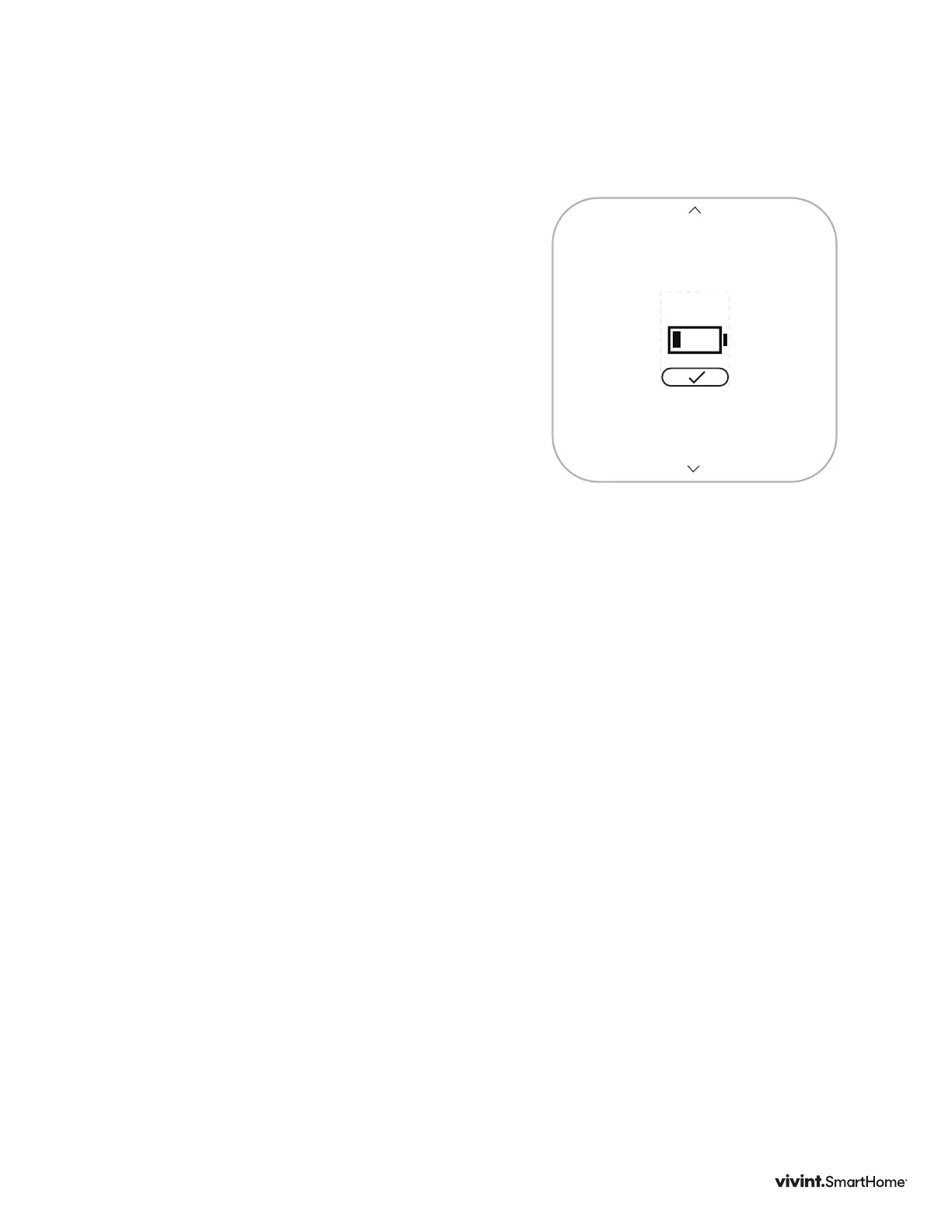
Low Battery Warning
TheThermostatdisplaysthisscreenwhen
thebatteriesarerunninglowoncharge
andshouldbereplaced.Thisscreenwill
onlydisplayonceperdaythersttimethe
screenwakes.
1. PresstheSIDEbuttontodismissthis
warning.
2. TurnthethermostatmodetoOFF
(fromheatorcool).
3. Replacethebatteries.
4. Turnthethermostatmodebackonto
HEATorCOOL.
Yoursettingswillberetainedandthe
thermostatwillautomaticallyreconnectto
theZ-WaveNetwork.
30%
LOW
BATTERY
Vivint Element Installation Guide
Customization



 To Next Page