51
Vivint Element Installation Guide
Customization
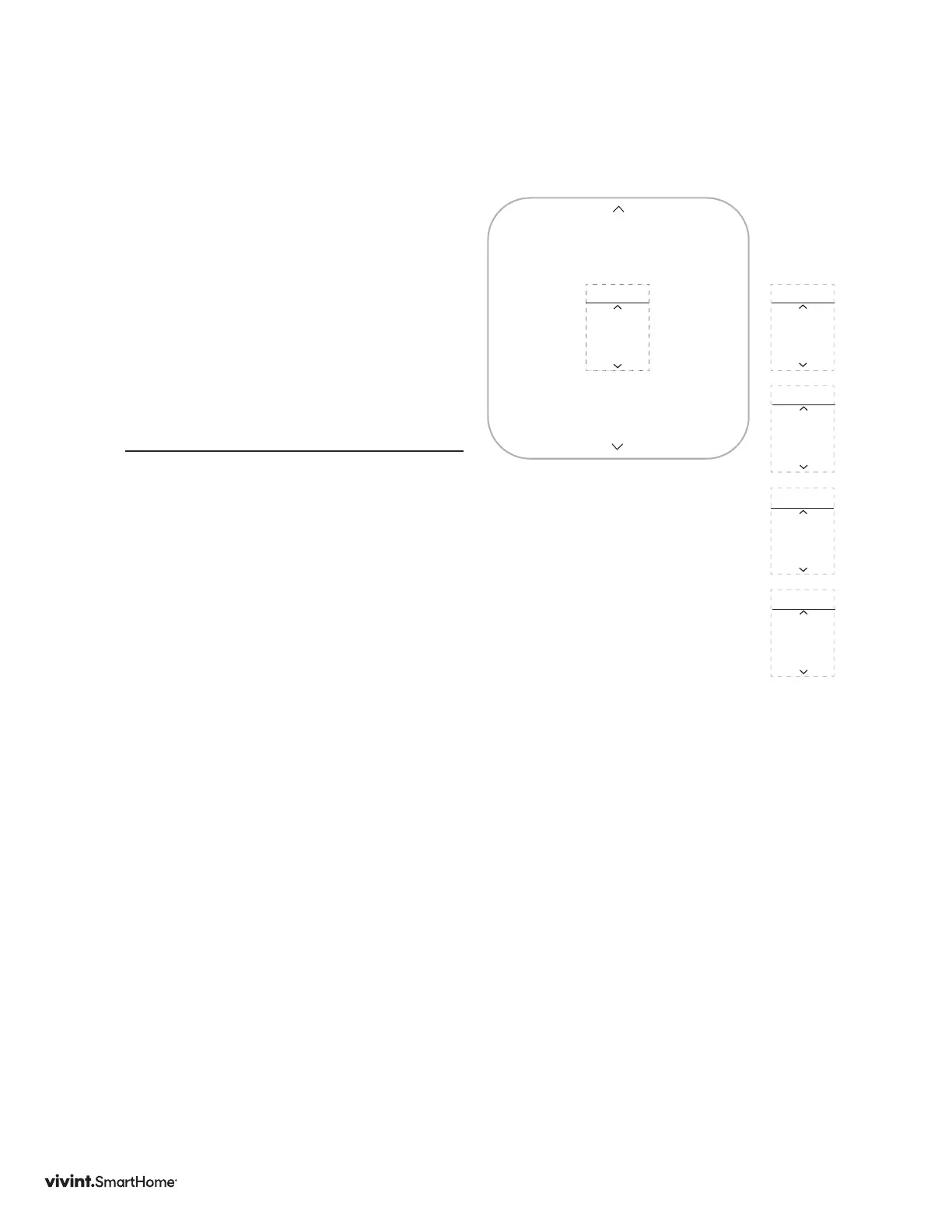
Equipment
FromtheInstallerSettingmenu,select
EquipmentandpresstheSIDEbutton.
TheEquipmentmenuwillopenandhas
thefollowingmenuitems
• Heating
• Cooling
UsetheUP/DOWNarrowstoselectthe
menuitem.
Heating
PressSIDEbuttontoselect
TYPE
UseUP/DOWNbuttonstoselectheating
systemtype
• None
• ForcedAir
• HeatPump
• Radiant
PressSIDEbuttontoselect
STAGES
UseUP/DOWNarrowstoselectnumber
ofHeatingStages
• 1
• 2
• -3(forcedaironly)
• -1+1Aux(heatpumponly)
• -1+2Aux(heatpumponly)
• -2+1Aux(heatpumponly)
• -2+1Aux(heatpumponly)
PressSIDEbuttontoselect
Equipment
INSTALLER
Heating
EQUIP.
Cooling
EQUIP.
Humidity
EQUIP.
Back
EQUIP.
• Humidity
• Back
FUEL
UseUP/DOWNarrowstoselectthe
systemfueltype
• NaturalGas
• Electric
• Propane
• FuelOil
PressSIDEbuttontoselect
DONE is displayed
PressSIDEbuttontoreturntoEQUIP
menu



 To Next Page