48
HUMIDITY
40%
HUMIDITY
Enable
Disable
HUMIDITY
INFO
24VAC
85%
INFO
INFO
Relays
Active
Y,O,G
Network
C
INFO
HVAC TYPE
Heat Pump
Aux Heat
INFO
Software
D-V1.40
Z-V1.70
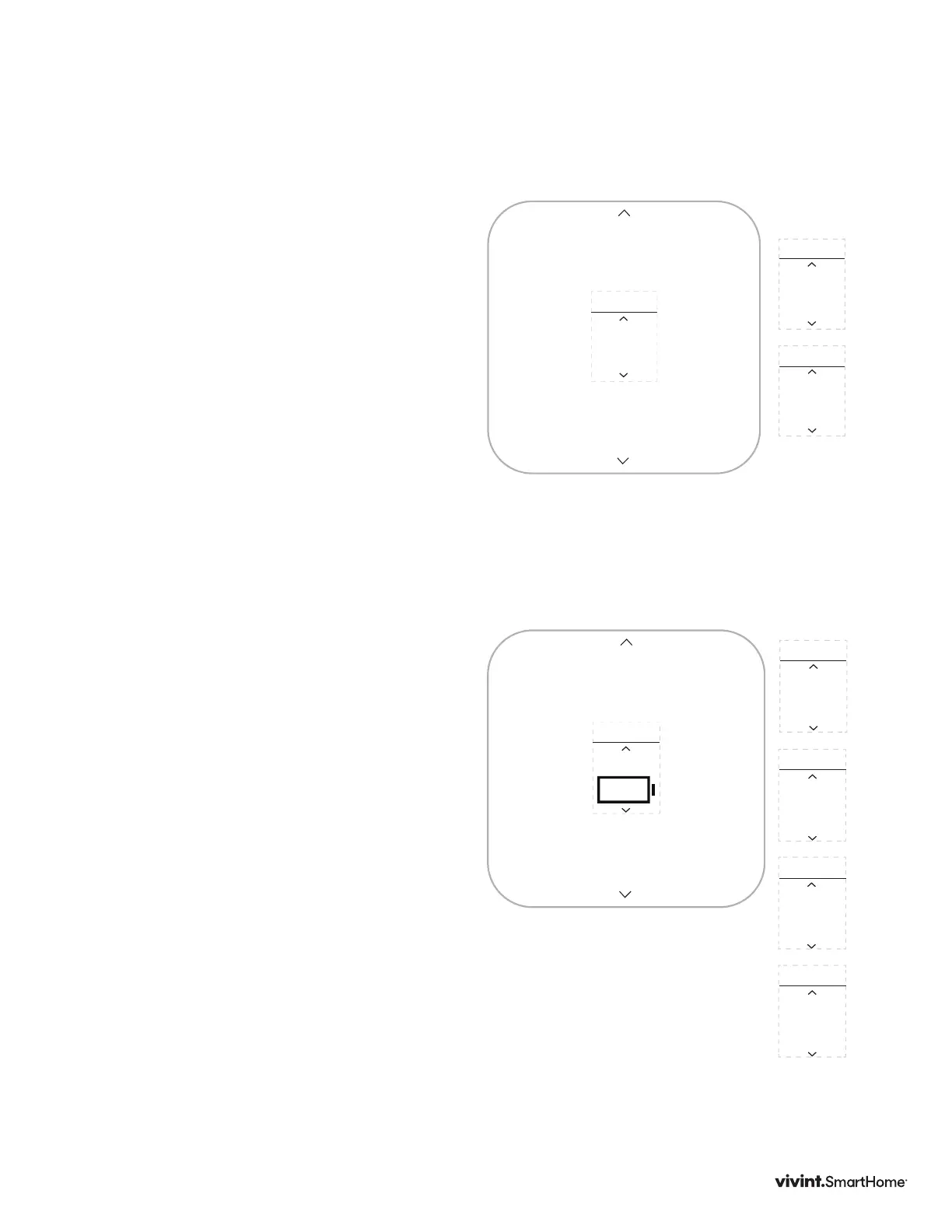
Humidity
Thisscreenisonlyavailableifyoursystem
includeshumiditycontrollingequipment.
1.PressDOWNtohighlightHumidity,then
presstheSIDEbutton.
2.UsingtheUPorDOWNarrows,select
anoption,thenpresstheSIDEbuttonto
conrmandreturntoUSERsettings.
Ifenabled,setthehumiditysetpoint:10-45%,
default40%.
Info
InformationabouttheThermostatdevice
includes:
POWER:Thepowersupplytheunitis
currentlyusing(batteries,C-wire,and/or
transformer).
BATTERY:Howmuchbatterypoweris
currentlyleft,ifbatteriesareinstalledin
theunit.
HVAC TYPE:TheHVACTypesettingthe
systemiscurrentlyusing.
ACTIVE RELAYS:Therelayscurrentlybeing
usedbythesystem.
NETWORK:Whetherornottheunitis
currentlyconnectedtoaZ-Wavenetwork.
SOFTWARE:Thecurrentsoftwareand
rmwareversionstheunitisusing.
1. PressDOWNarrowstohighlightInfo,then
presstheSIDEbutton.Informationabout
theThermostatdisplays.
2. PressUPorDOWNarrowstoscroll
throughtheavailableinformation.Press
theSIDEbuttontoexitandreturnto
USERsettings.
Options:
Options:
Vivint Element Installation Guide
Customization



 To Next Page