55
Vivint Element Installation Guide
Customization
Staging
INSTALLER
2.5°
STAGING
Stage 2
Heat at
STAGING
No
Fast
Recovery?
STAGING
STAGING
Yes
Fast
Recovery?
2.5°
Stage 2
Cool at
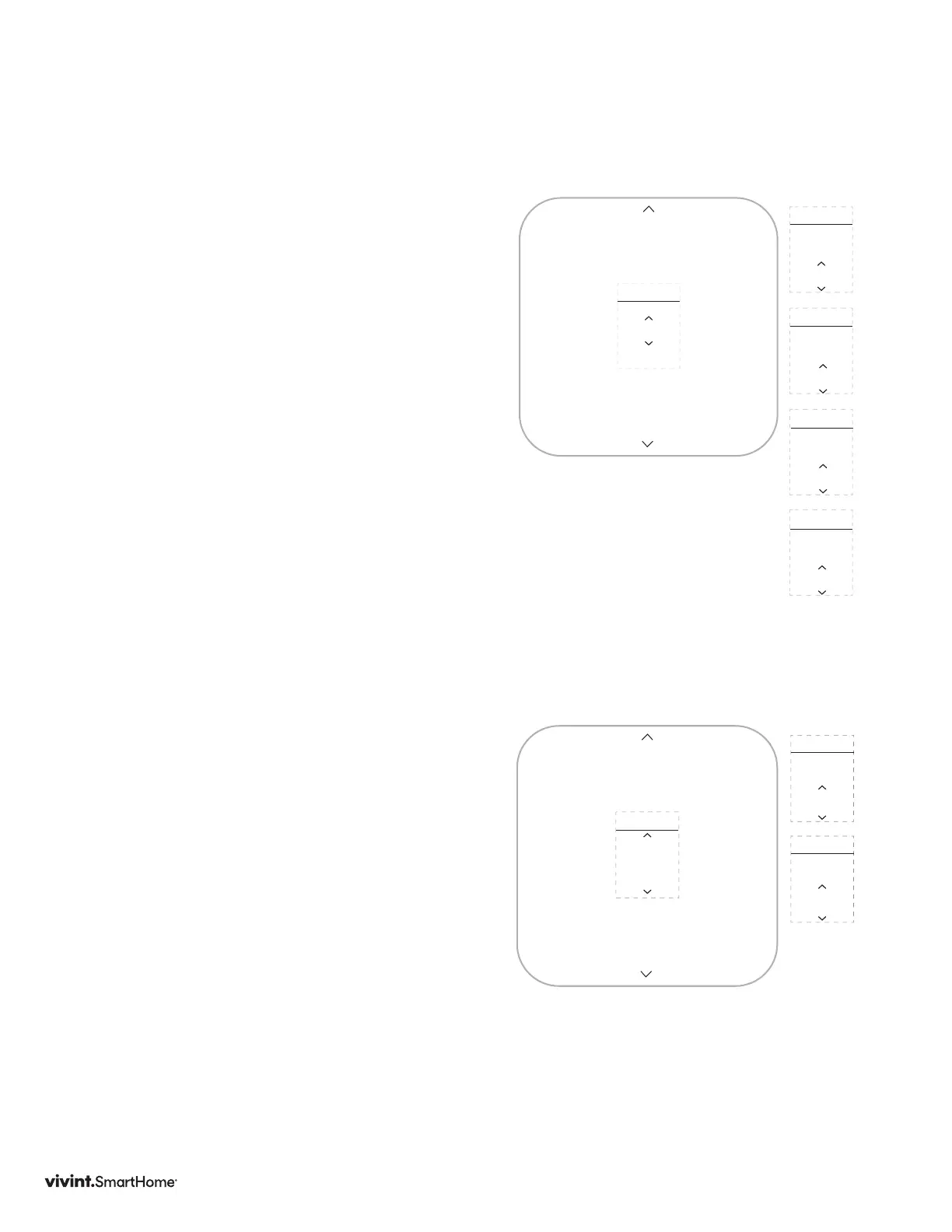
Staging
Usedformultiplestagesystemsonly.
Stagingisthenumberofdegreesbetween
theroomtemperatureandthetarget
temperatureatwhichthenextstageinmulti-
stagesystemswillengagetobringtheroom
temperaturebacktothetarget.Thedefault
is2°F.Theprogrammablerangeis2°Fto6°F
(1°-3°C).
1. PressDOWNarrowtohighlightStaging,
thenpresstheSIDEbutton.Thecurrent
stagingvaluedisplays.
2. PressUPorDOWNarrowtochange
thevalue,thenpresstheSIDEbutton
toconrm.
3. Rangesarein.5increments:2.5,3.0,3.5,
4.0,4.5,5.0,default2.5.
Reset
Resetwillrestorethethermostat
settingstothefactorydefaults.Itwill
alsodisconnectthethermostatfromthe
Z-Wavenetwork.
1. PresstheDOWNarrowtohighlight
Reset,thenpresstheSIDEbutton.
2. Conrmthatyouwanttoresetthe
thermostat,selectyes,thenpressthe
SIDEbutton.Thethermostatresets.
Pleaseusethisprocedureonlywhenthe
networkprimarycontrollerismissingor
otherwiseinoperable.
Reset
INSTALLER
No
RESET
Factory
Reset?
Yes
RESET
Factory
Reset?



 To Next Page