53
Vivint Element Installation Guide
Customization
Network
Networksettingsenableyoutoconnect
toaZ-WaveNetworkusingClassic
Inclusion,andtoresettheThermostat
toaZ-WaveNetwork,andtoresetthe
networkconnection.
Beforestartingthisprocedure,goto
yourVivintpanelandprepareitfornew
devices.Onceitisready,connectthe
Thermostattothenetwork.
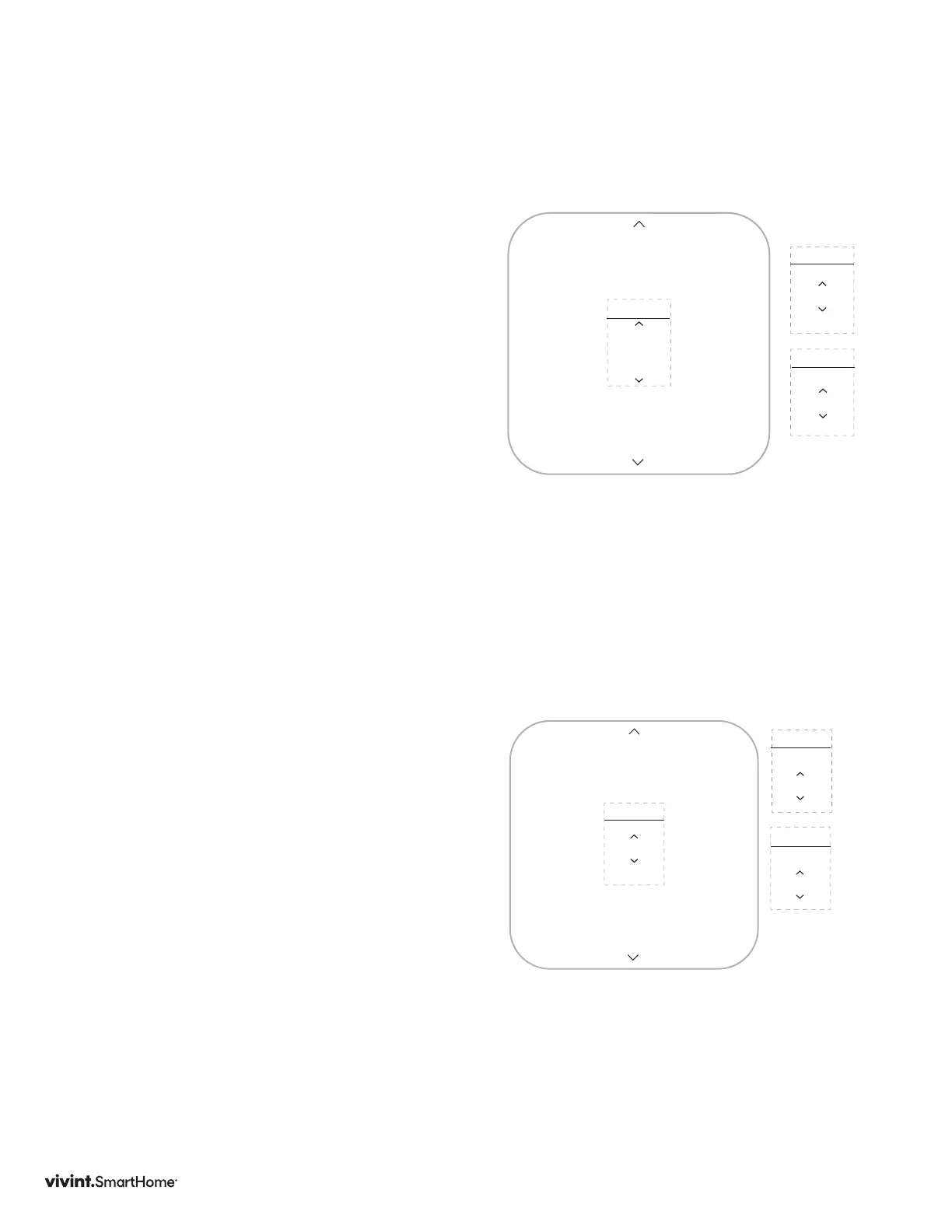
1. PressDOWNarrowtohighlight
Network,thenpresstheSIDEbutton.
IfthethermostatISNOTconnected
totheZ-WaveNetwork,“Connect”will
bedisplayed.PresstheSIDEbuttonto
connect.
IfthethermostatISconnectedtothe
Z-WaveNetwork,“Disconnect”willbe
displayed.PresstheSIDEbuttonto
disconnect.
Select“Back”toexitandreturnto
INSTALLERmenu.
Calibration
1. PresstheDOWNarrowtohighlight
Calibration,thenpresstheSIDE
button.Thecurrenttemperatureoset
displays.
2. PressUPorDOWNarrowtochange
thevalue,thenpresstheSIDEbutton
toconrm.
3. Rangesare+5to-5,default0.
Network
INSTALLER
Connect
NETWORK
Disconnect
NETWORK
Z-Wave
Z-Wave
Calibrate
INSTALLER
0.0°
TEMP
Offset by
0.0°
HUMIDITY
Offset by



 To Next Page