31
Vivint Element Installation Guide
Setup: HVAC - Heating
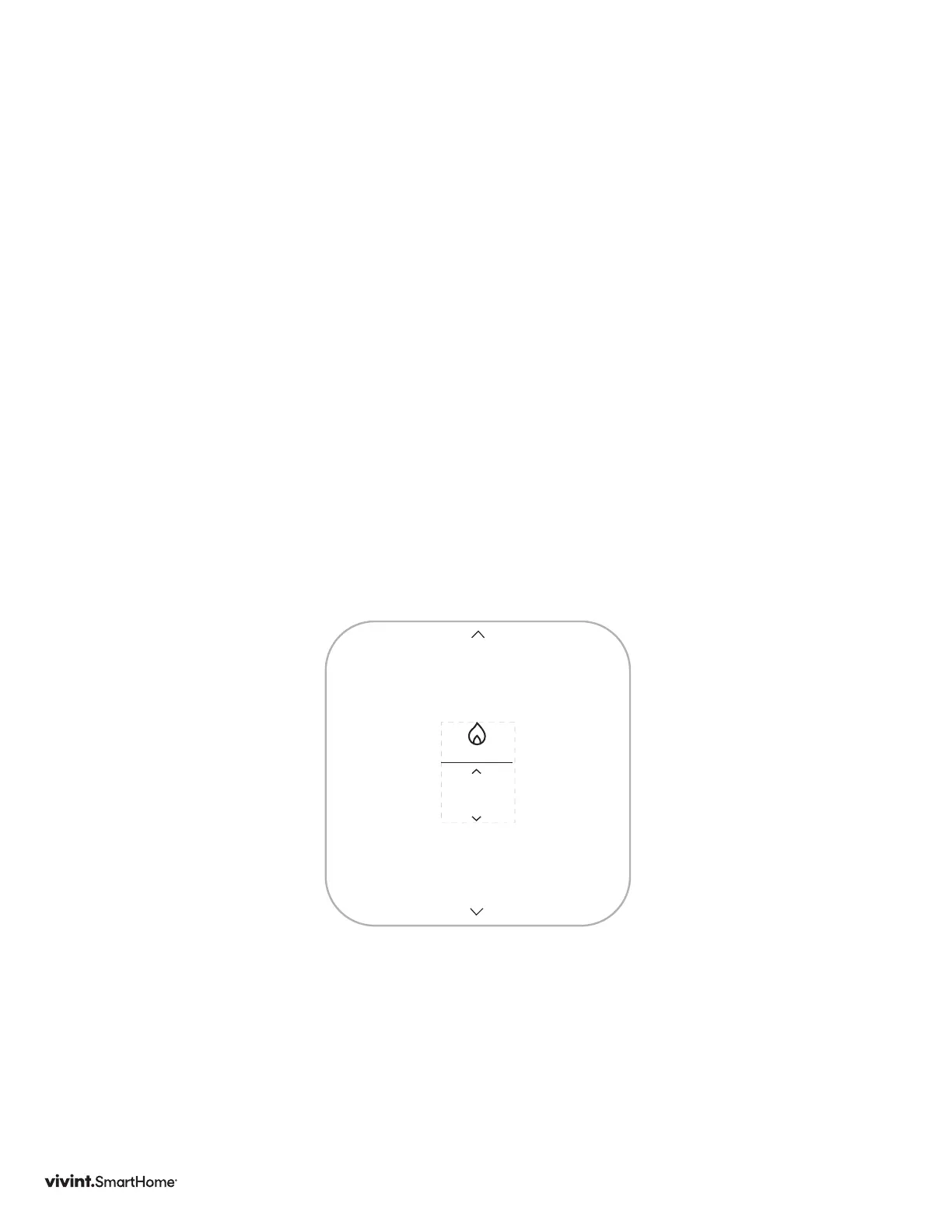
Setting up Heating
1. PresstheUP/DOWNbuttonuntilyourheatingtypeisdisplayed:None,ForcedAir,
HeatPumporRadiant.
2. Understages,presstheUP/DOWNbuttonuntilyoursystem’sheatingstagetype
isdisplayed.StagesarenotavailableifRadiantheatingtypewasselected.For
ForcedAiryou’llsee1,2,or3stages.ForHeatPumpyou’llsee1,2,1+1Aux,1+2
Aux,2+1Aux,or2+2Aux.3stagesForcedAiror2+2AuxHeatPumputilizethe
auxiliaryterminal,therefore,ifyourusinghumiditycontroltheseoptionswillnotbe
available.
PressSIDEbutton.
3. UnderFuel,presstheSIDEbuttonuntilyourheatingfuelisdisplayed:NaturalGas,
Propane,FuelOilandElectric.ForHeatPumpsystems,thiseldislabeled
AuxFuel.
PressSIDEbutton.
Note:AuxiliarystagesareonlyavailableifyouselectHeatPumpastheheatingtype.
Forced Air
TYPE



 To Next Page