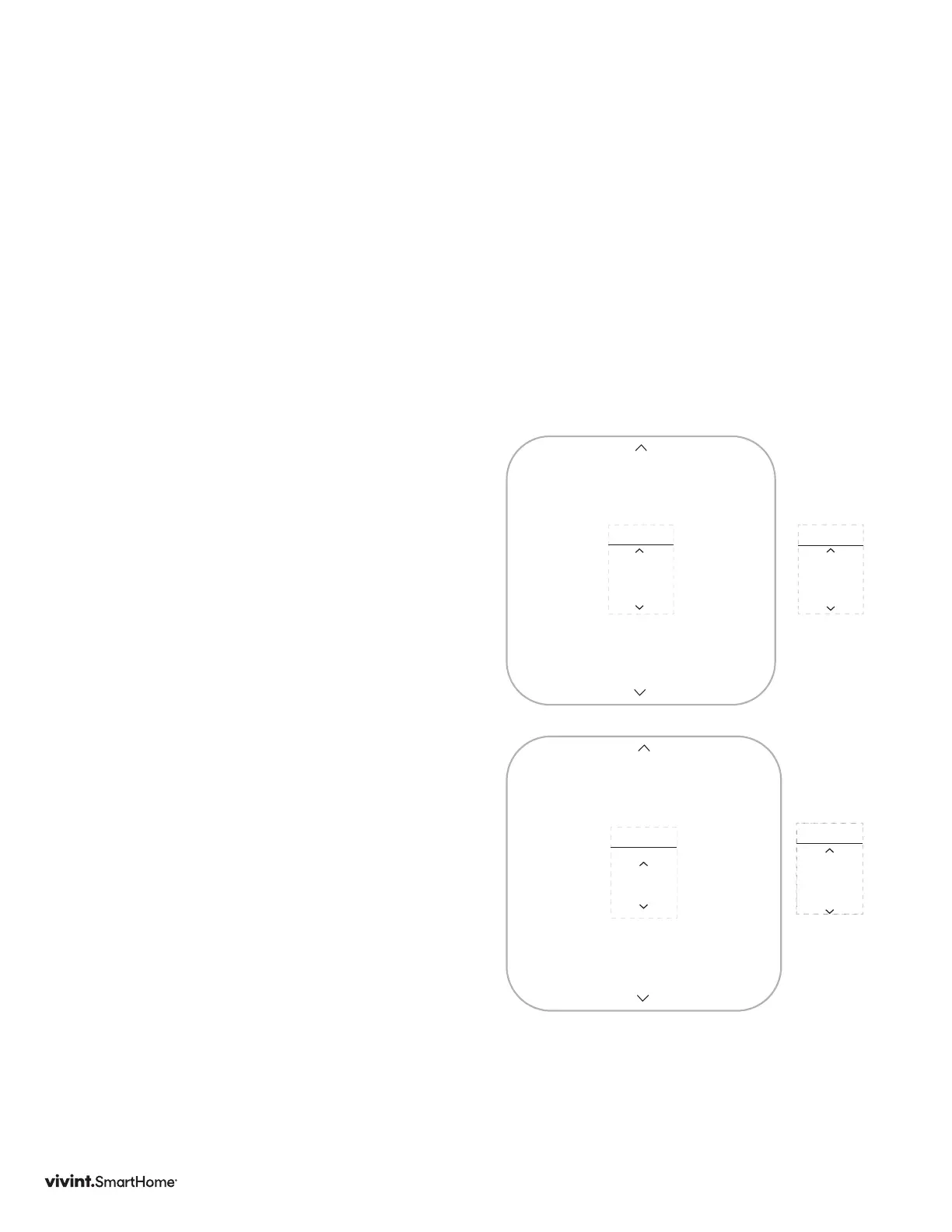
47
UNITS
°F
UNITS
°C
User Settings
TheSettingsscreenprovidesaccesstomanyfeaturesandsettingsoftheThermostat.
FeaturesyoucancontrolontheSettingsscreenareºF/ºCdisplay,humiditytargets,
displaybehavior,informationabouttheThermostat,andinstallersettings.Thefollowing
pagesprovidedetailedinformationabouteachofthesesettings.
FromtheHomescreen,pressandholdtheSIDEbuttonforthree(3)secondstoaccessthe
settingsscreen.ThenusetheUP/DNarrowstoselectthedesiredusersetting.Thenpress
theSIDEbutton.
Units
TheThermostatcandisplayeither
FahrenheitorCelsiustemperature
units.TheThermostatcandisplayroom
temperaturesinarangefrom28°Fto
99°F(-2°Cto37°C)withincrementsof
0.5°(ForC).
1. PressDOWNtohighlightUnits,then
presstheSIDEbutton.
2. UsingtheUPorDOWNarrows,select
anoption,thenpresstheSIDEbuttonto
conrmandreturntoUSERsettings.
Display
TheThermostatdisplaycanoperateinone
oftwomodes:WakeonApproachorWake
onButtonPress.
Wake on Approachmeansthatthe
device’sdisplaywillautomaticallyturn
onwhenitsensesyouapproachwithin3
(three)feetoftheunit.Thisfeaturealso
sendsnoticationstothepanelandmobile
appthatthethermostathasdetected
movement.Thisfeatureisonlyavailable
whenthethermostatispoweredviaC-wire.
Wake on Button Pressmeansthatyouwill
havetopressoneofthebuttonsontheunit
towakethedisplay.
2. PressDOWNtohighlightDisplay,then
presstheSIDEbutton.
3. PressUPorDOWNtoselectanoption,
thenpresstheSIDEbuttontoconrm
andreturntoUSERsettings.
Wake on
Approach
DISPLAY
Wake on
Button
Press
DISPLAY
Options:
Options:
Vivint Element Installation Guide
Customization



 To Next Page