29
Vivint Element Installation Guide
Setup
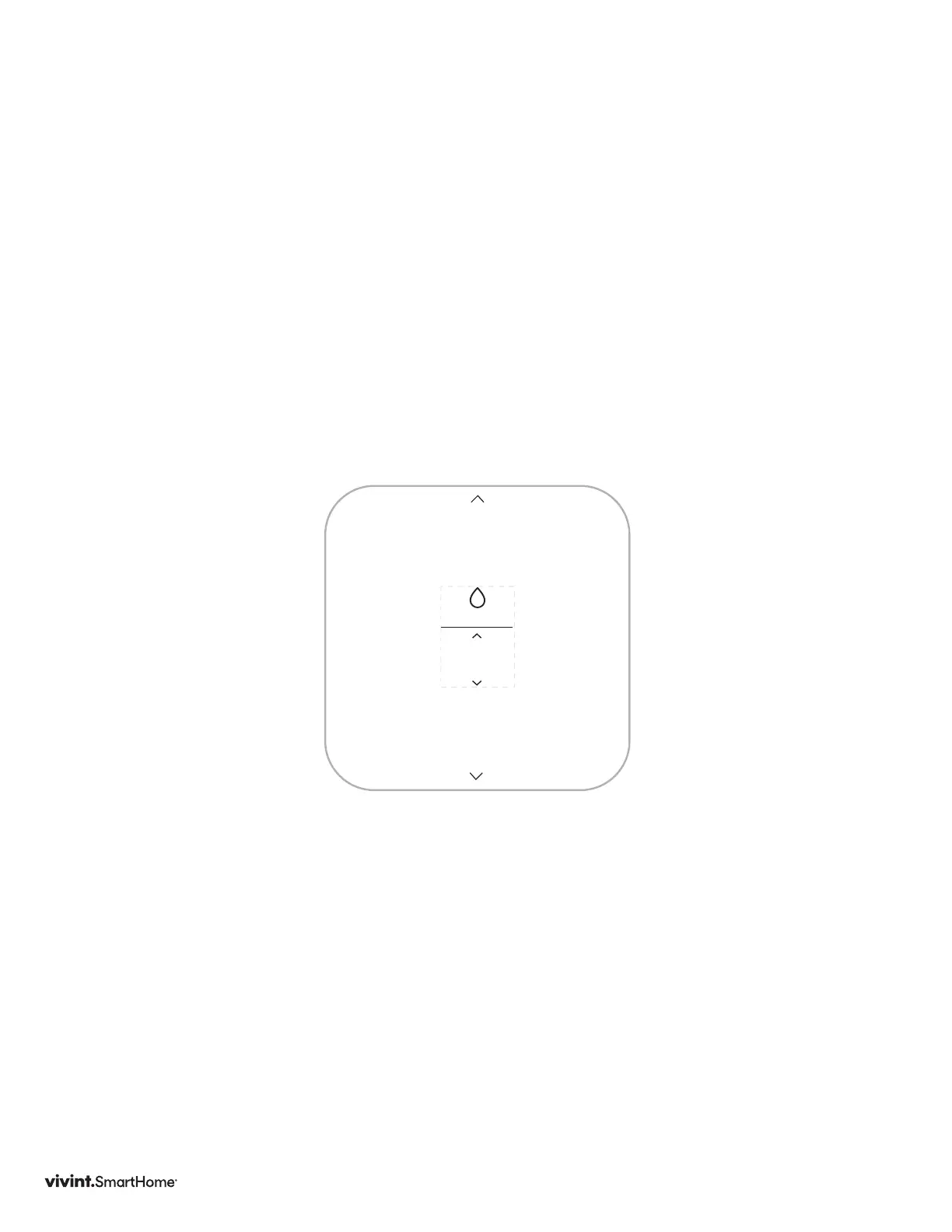
Setting up Humidity
1. PresstheUP/DOWNbuttonuntilthetypeofhumiditysystemyouhaveis
displayed:None,HumidierorDehumidier.
2. UnderActivate,presstheUP/DOWNbuttonsuntilthemethodyourhumidity
systemusesisdisplayed:withHeating,withCooling,orIndependent.
PressSIDEbutton.
3. UnderFan,presstheUP/DOWNbuttonuntilthefanoptionyourhumiditysystem
usesisdisplayed:ActiveorInactive.
PressSIDEbutton.
TYPE
None



 To Next Page