43
Vivint Element Operation Guide
Product Overview
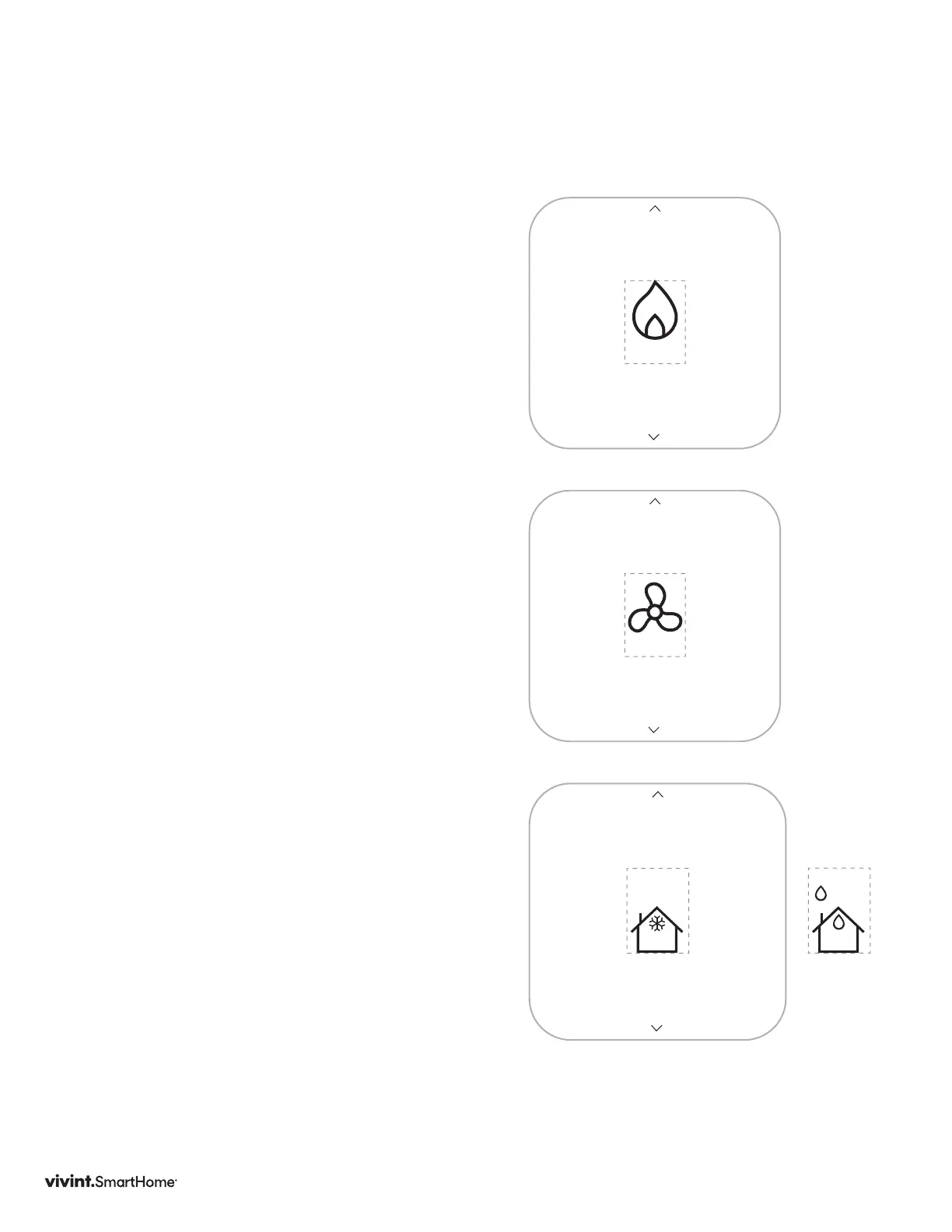
Mode
Tochangemode,whenthehomescreenis
displayed,presstheSIDEbutton.Usethe
up/downarrowstochangethemode.
OFF,HEAT,COOL,HEAT&COOL,E-HEAT
E-HEAT:ForHetPumpSystemswithAux
HeatONLY
Fan
Tochangethefanmode,whenthehome
screenisdisplayed,presstheSIDEbutton
twice.Usetheup/downarrowstochange
thefanmode.
15min.,30min.,60min.,ALWAYSON,STOP
Outside Temperature
Screen
Toseetheoutsidetemperature,pressand
holdtheSIDEbuttonfor3seconds.
Toseetheinsidehumidity,pressthe
UP/DOWNarrows.
HEAT
FAN
OUTSIDE
94°
82°
HUMIDITY
65%
28%



 To Next Page