EN-16
GETTING STARTED
Installing the Batteries (Optional Accessory)
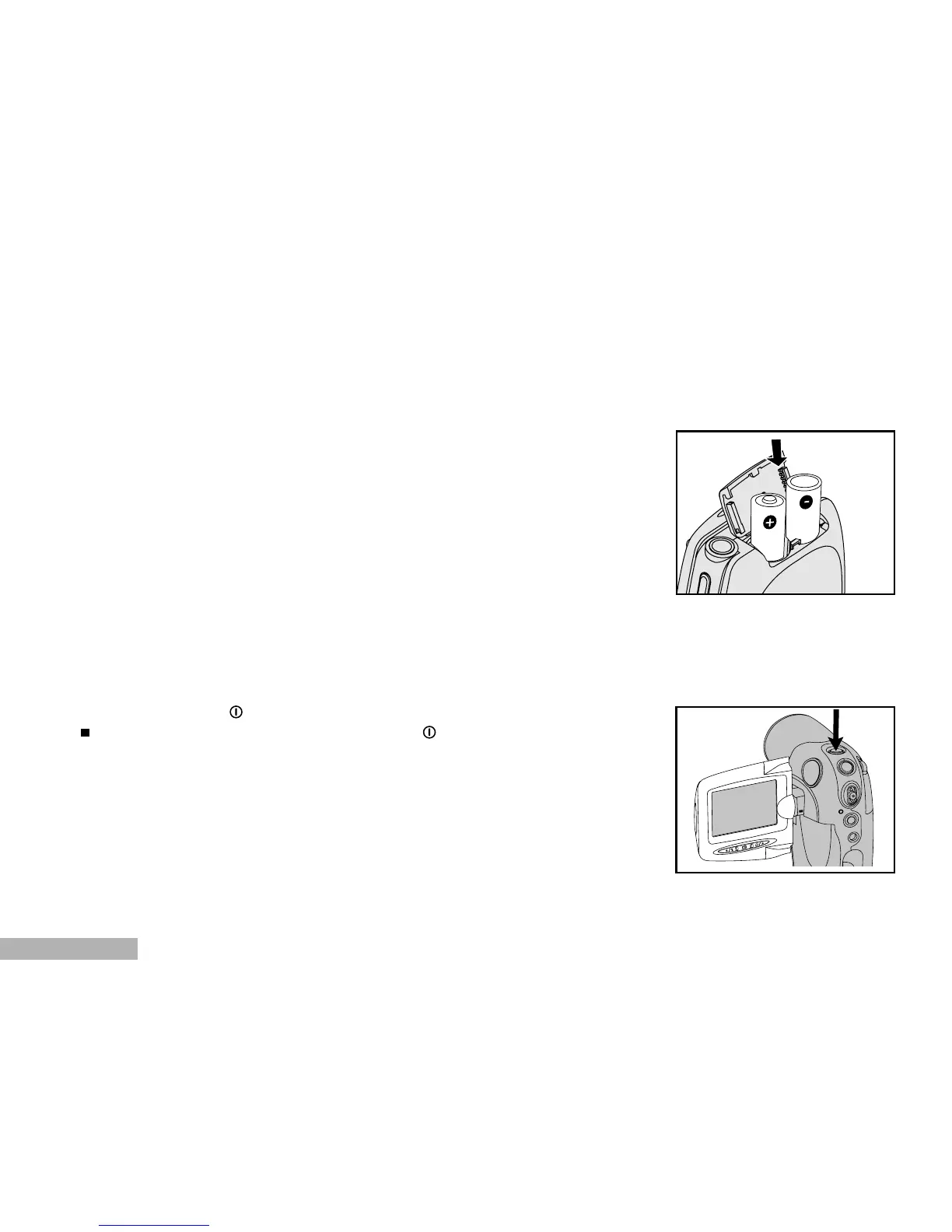
You can use 2 AA size batteries to power the DVR-510.
1. Slide the battery cover.
2. Insert the batteries, noting correct polarity (+ or -).
3. Close the battery cover firmly.
Turning the Power On/Off
Press and hold the button until the DVR-510 turns on.
To turn the power off, press and hold the button again.



 To Next Page