EN-38
MP3 MODE
The DVR-510 offers you to playback MP3 files. You may download MP3 files to your computer and then copy
them into the DVR-510 via the USB cable or insert an SD memory card with MP3 files recorded into the DVR-
510.
1. Turn on the power by pressing and holding the button.
2. Toggle the button to go to [SELECT MODE].
3. Select [MP3] with the zoom lever and press the button.
The MP3 LIST appears on the screen.
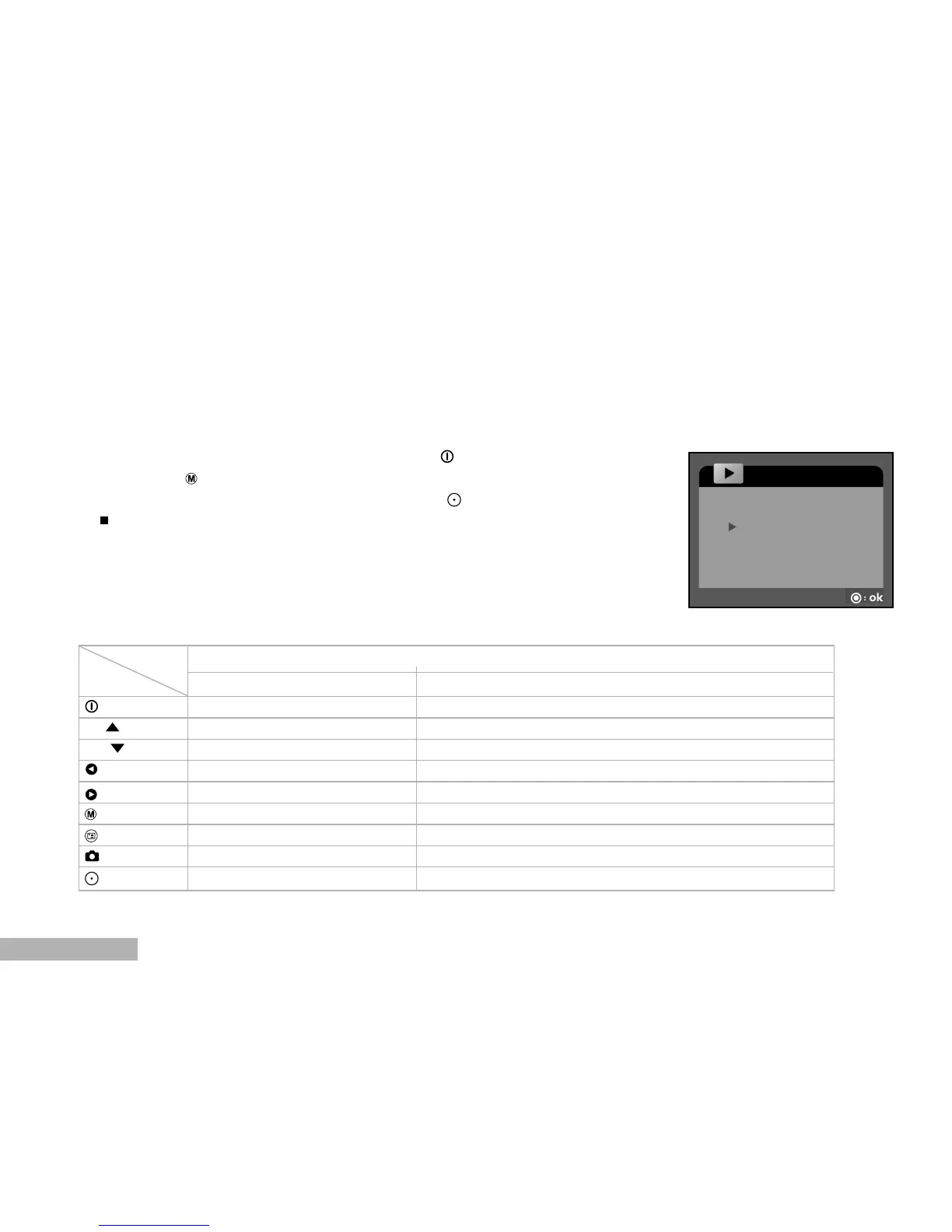
Button operations
Playlist During playback
Power off (press & hold) Power off (press & hold)
T / Scroll up Volume +
W / Scroll down Volume -
Previous page N/A
Next page N/A
Back to LCD preview N/A
Enter MP3 menu N/A
Select/Un-select Stop playing MP3 music
Start to play MP3 music Pause playing MP3 music
State
BUTTON
MP3



 To Next Page