EN-28
Setting the Flash
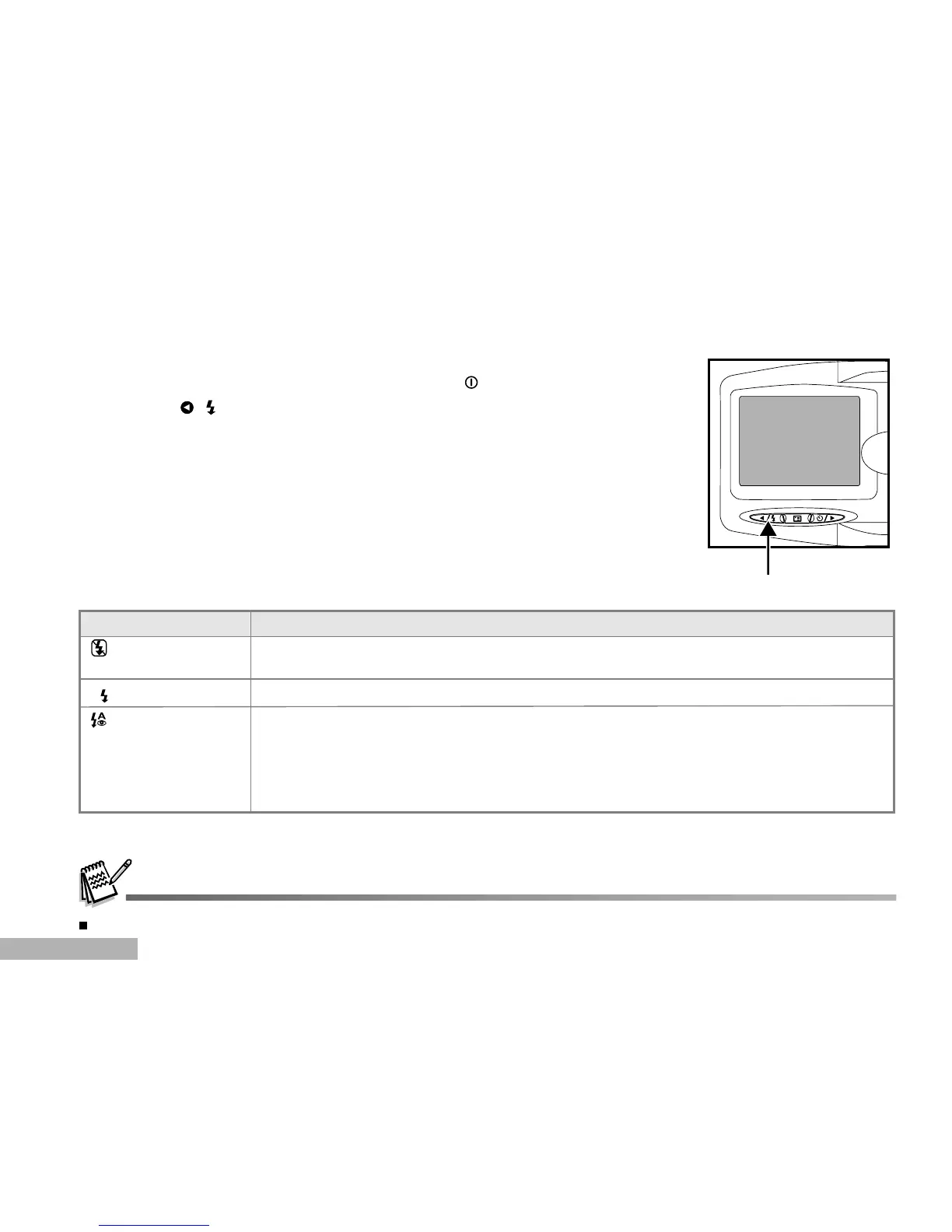
Set the flash to suite the photographic conditions.
1. Turn on the power by pressing and holding the button.
2. Press the ( ) button to select the desired flash mode.
Flash Mode Description
The table below will help you choose the appropriate flash mode:
Flash off Use this mode when taking pictures using indoor lighting, for stages and indoor
competitions, and when the subject is too far away for the flash to be effective.
A
Auto flash The flash fires automatically to suit the photographic conditions.
Auto flash with Use this mode to reduce the red-eye when you want to take natural-looking
red-eye reduction photographs of people and animals in low-light conditions.
When taking photographs of people, the red-eye effect can be reduced by increasing
the room lighting if possible and having your subject not look directly into the camera.
The camera’s pre-flash and slight delay in this mode will also help to improve your images.
The flash cannot be set in the movie mode.



 To Next Page