EN-26
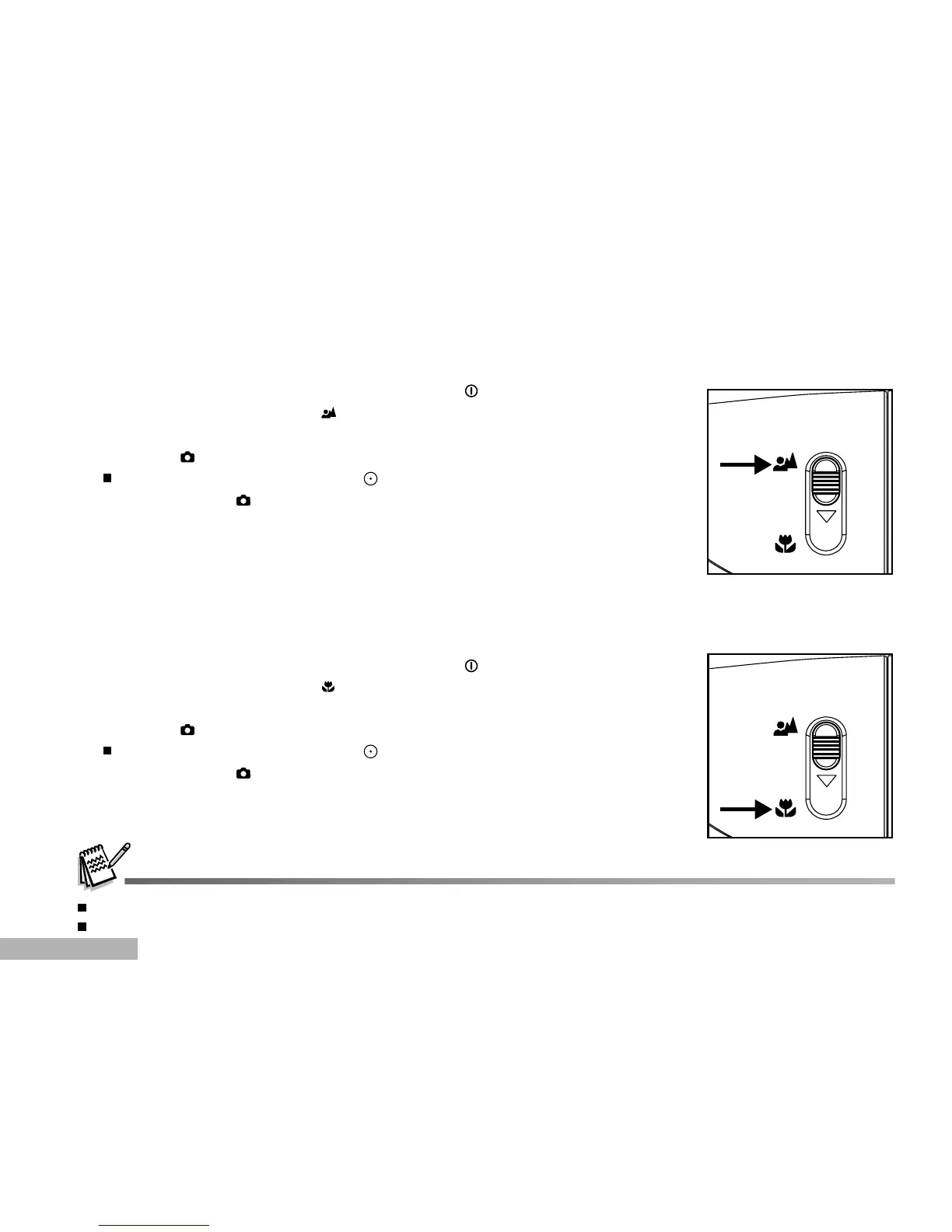
Macro Mode
Select this when you want to take a close-up photography.
1. Turn on the power by pressing and holding the button.
2. Slide the focus switch to the side.
3. Compose the shot.
4. Press the button to capture a still image.
To record video clips, press the button to start recording, and
then press the button to end the recording.
After a macro shot is taken DO NOT FORGET to reset the lens to the normal position.
Flash mode is automatically set to off once you switch to Macro mode.
Normal Mode
This mode is suitable for scenery and portrait shooting.
1. Turn on the power by pressing and holding the button.
2. Slide the focus switch to the side.
3. Compose the shot.
4. Press the button to capture a still image.
To record video clips, press the button to start recording, and
then press the button to end the recording.



 To Next Page