EN-55
INSTALLING ADOBE ACROBAT READER
The CD-ROM includes a PDF (portable document format) copy of the user’s manual. To view a PDF you must
have Adobe Acrobat Reader installed in your computer. Adobe Acrobat Reader is included on the camera CD
ROM. Using Adobe Acrobat Reader, you can read the user’s manual and print sections of interest.
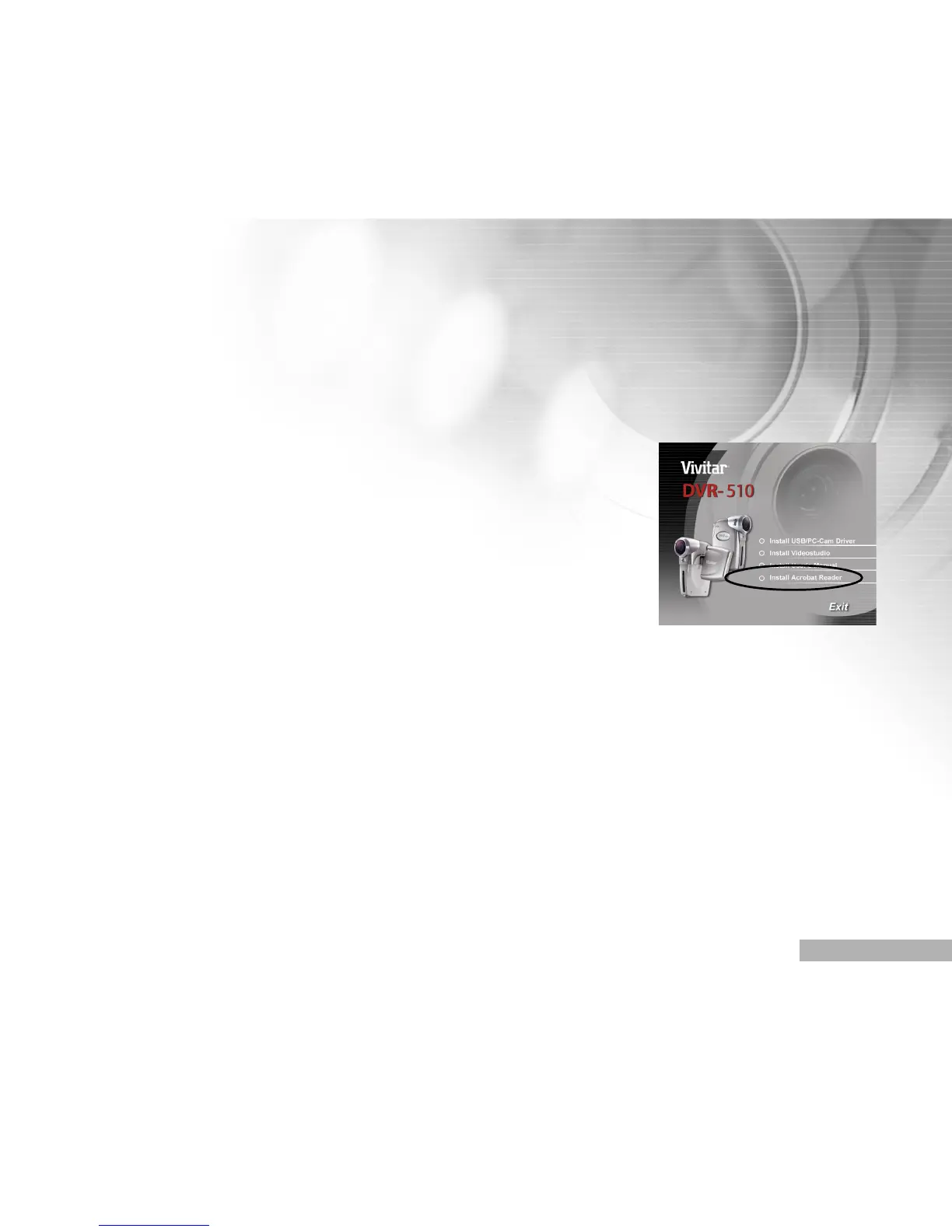
1. Insert the CD-ROM that came with the camera into the CD-ROM drive.
The welcome screen appears.
2. Click “Install Acrobat Reader”.
Follow the on-screen instructions to complete the installation.



 To Next Page