EN-23
PHOTOGRAPHY MODES
Capturing Still Images
1. Turn on the power by pressing and holding the button.
2. Toggle the button to access in camera mode. Then press the button.
3. Compose the shot.
4. Press the button to capture a still image.
The actual captured image appears to be larger than the one on LCD preview after image captured.
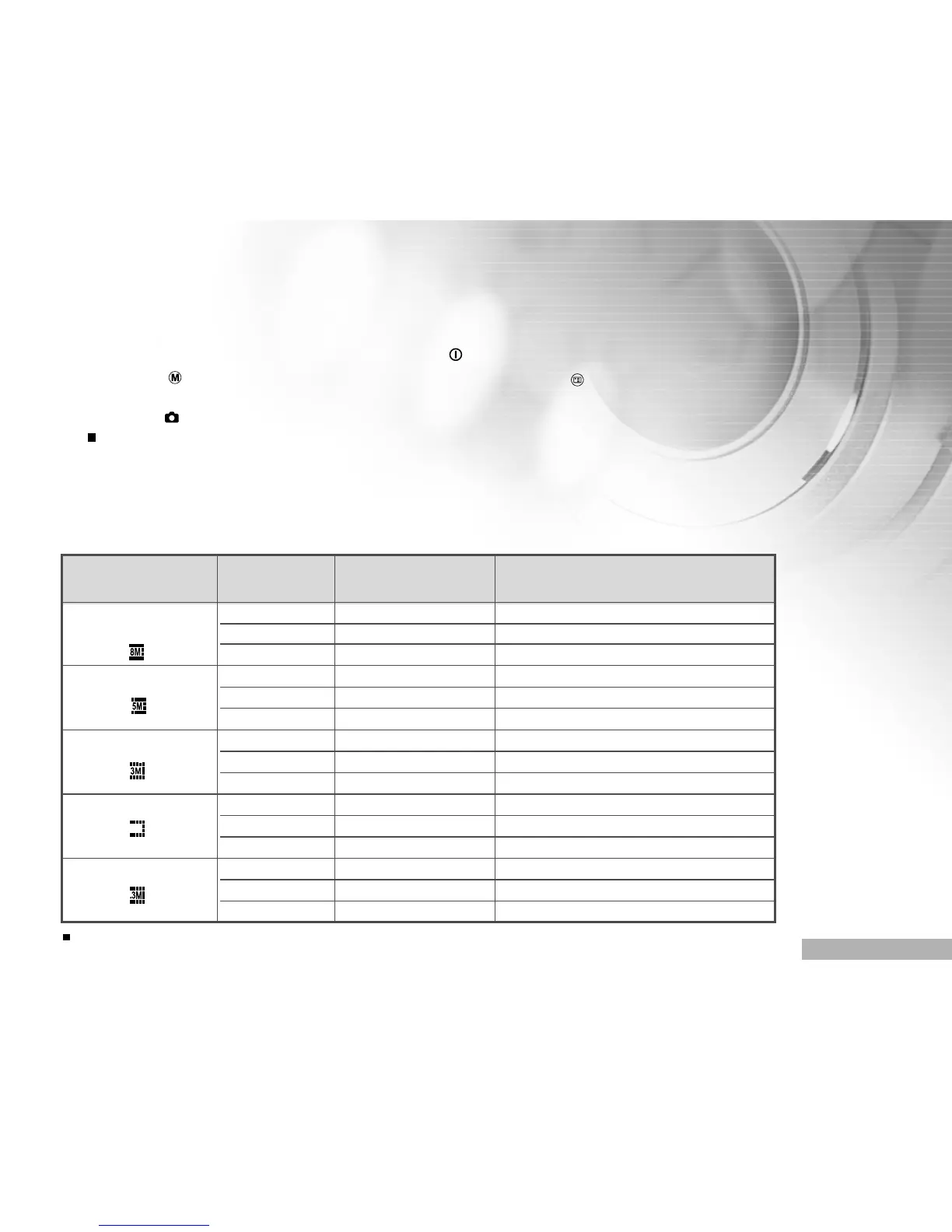
Resolution Quality Compression ratio 32MB internal memory
(24MB available for image storage)
3264 x 2448 pixels SUPER FINE 4:1
(FW interpolation) FINE 8:1
NORMAL 12:1
2560 x 1920 pixels SUPER FINE 4:1
FINE 8:1
NORMAL 12:1
2048 x 1536 pixels SUPER FINE 4:1
FINE 8:1
NORMAL 12:1
1280 x 960 pixels SUPER FINE 4:1
FINE 8:1
NORMAL 12:1
640 x 480 pixels SUPER FINE 4:1
FINE 8:1
NORMAL 12:1
The above data shows the standard testing results. The actual capacity varies according to
the shooting conditions and settings.
1.2M
Number of recordable images
The frame counter indicates the approximate number of images that can be stored on the internal memory or
the SD memory card. The number of recordable images may vary depending on the recorded subject, the
capacity of the memory card, files other that images or when the recording is made while switching the picture
quality or resolution.
4
9
14
7
15
23
12
24
36
31
62
91
119
221
258



 To Next Page