EN-40
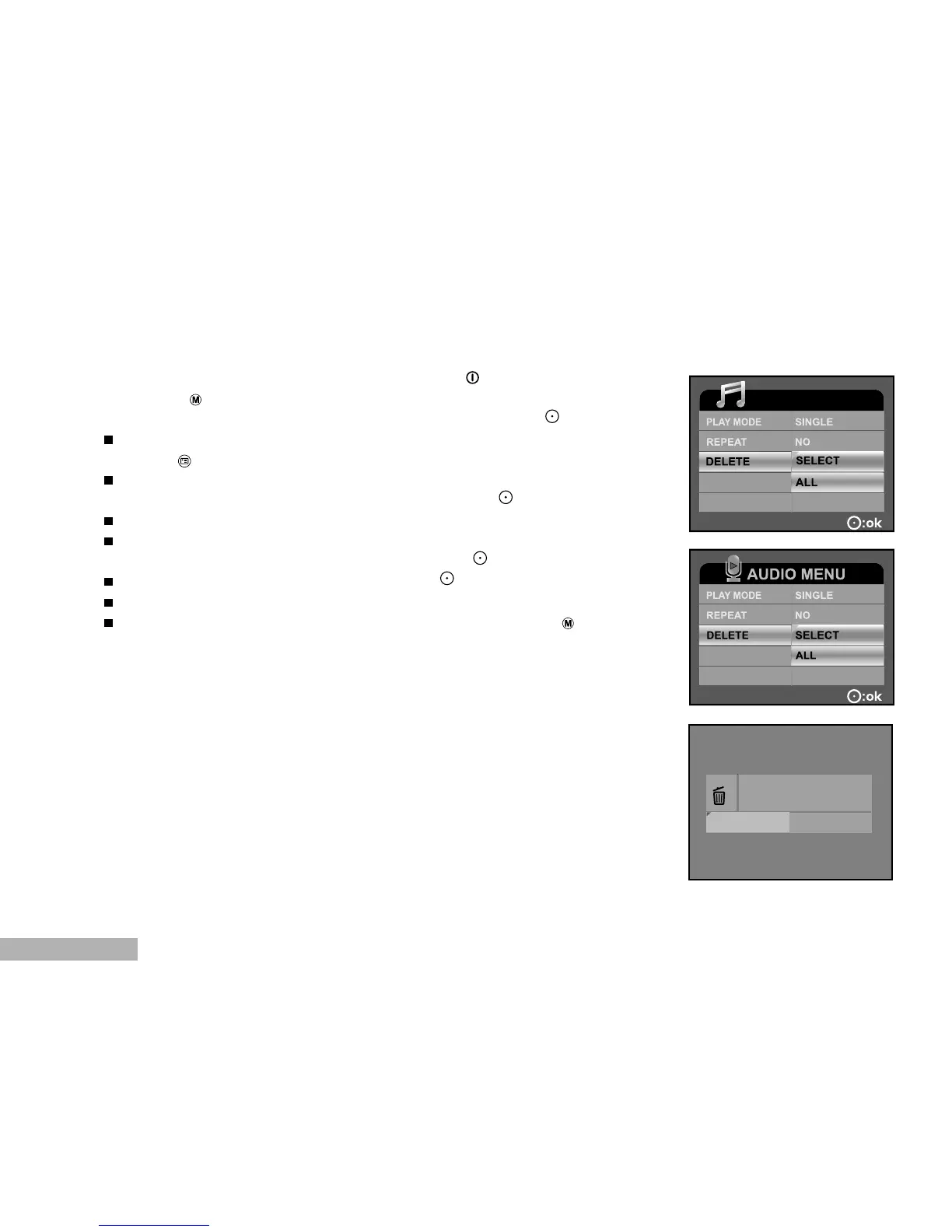
Deleting MP3 / Audio Files
1. Turn on the power by pressing and holding the button.
2. Toggle the button to go to [SELECT MODE].
3. Select [MP3] / [AUDIO] with the zoom lever and press the button.
The MP3 / AUDIO LIST appears on the screen.
4. Press the button.
The MP3 / AUDIO MENU appears on the screen.
5. Select [DELETE] with the zoom lever and press the button.
SELECT: Delete the selected audio or MP3 file.
ALL: Delete all audio or MP3 files in a single operation.
6. Select [YES] with the zoom lever, and press the button.
To not delete, select [NO], and press the button.
If all files are deleted, [NO FILE!] pops up.
If you want to turn back to the photography mode, press the button.
MP3 MENU



 To Next Page