EN-39
AUDIO RECORDING MODE
The DVR-510 enables you to record and playback audio files anytime and anywhere.
Recording Audio Files
1. Turn on the power by pressing and holding the button.
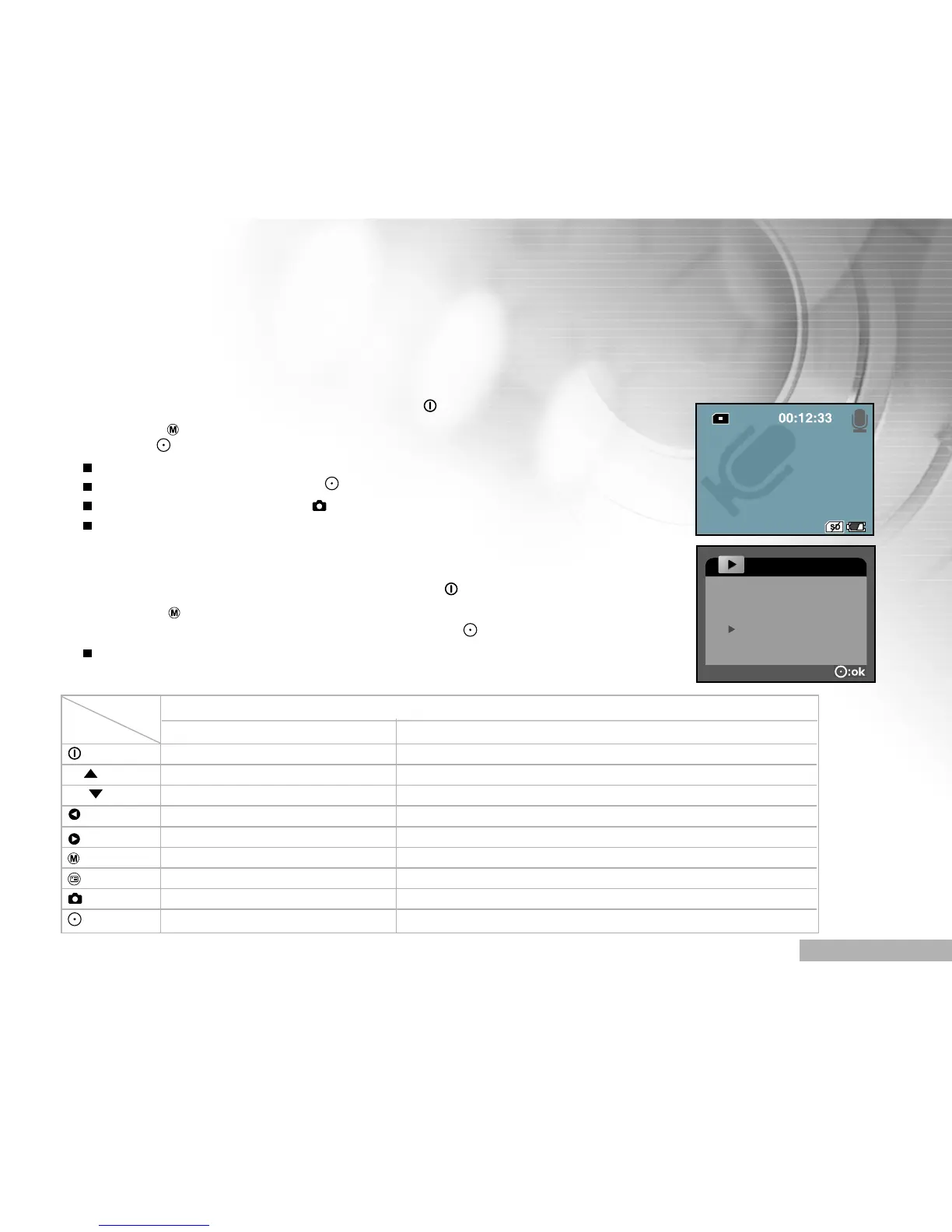
2. Toggle the button to select audio recording mode as the illustration.
3. Press the button.
Voice starts recording.
To pause recording, press the button again.
To stop recording, press the button.
The maximum recordable time for voice recording is over 1 hour.
Playing Back Audio Files
1. Turn on the power by pressing and holding the button.
2. Toggle the button to go to [SELECT MODE].
3. Select [AUDIO] with the zoom lever and press the button.
The AUDIO LIST appears on the screen.
Button operations
Button Playlist During playback
Power off (press & hold) Power off (press & hold)
T/ Scroll up Volume +
W/ Scroll down Volume -
Previous page N/A
Next page N/A
Back to LCD preview N/A
Enter Voice menu N/A
Select/Un-select Stop playing audio file
Start to play voice file Pause playing audio file
State



 To Next Page