EN-24
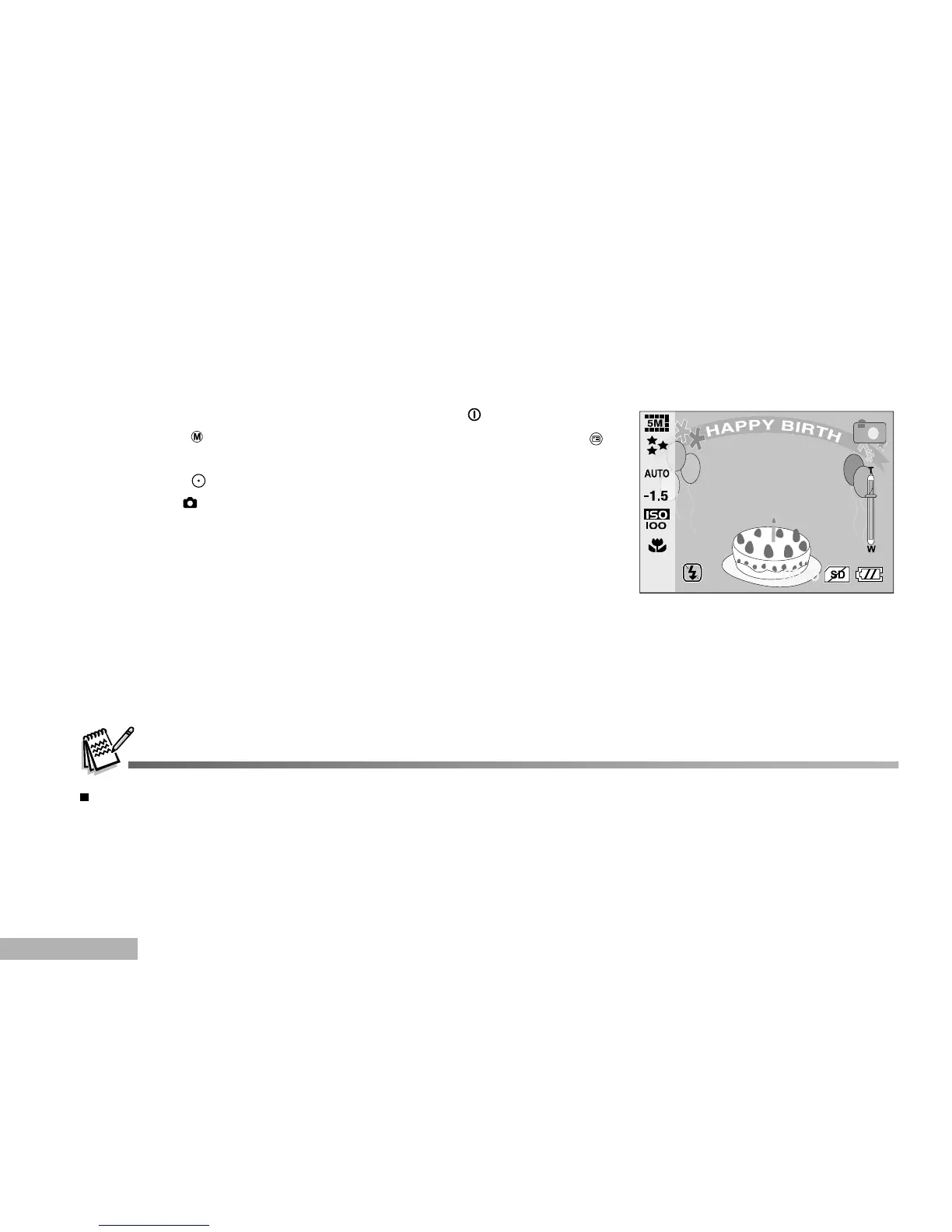
1. Turn on the power by pressing and holding the button.
2. Toggle the button to access in camera mode. Then press the
button.
3. Toggle the button to display and select your desired photo frame.
4. Press the button to capture a still image with photo frame.
Photo Frame
You can set your desired photo frame before shooting. There are 12 types of frame-like borders already
storedin the camera.
Photo Frame function cannot be processed when the image resolution is set to 8M (image size: 3264 x 2448).


 To Next Page